Hiring a web designer is an important decision for any business. Your website is often the first place customers go to check whether your business is real, professional, and trustworthy. Before they call, message, visit your office, request a quote, or place an order, they may search for your business online.
That is why you should not hire a web designer blindly.
A website is not just a digital poster. A good website should explain your business clearly, load fast, work well on mobile phones, help customers contact you easily, support your brand, and make your business easier to find online.
For SMEs in Papua New Guinea, this is even more important because many customers rely on mobile data, WhatsApp, Facebook, Google Search, and referrals before making a buying decision. If your website is slow, confusing, outdated, or poorly built, people may lose trust before they even talk to you.
Before you pay a web designer or developer, you need to ask the right questions. These questions will help you understand:
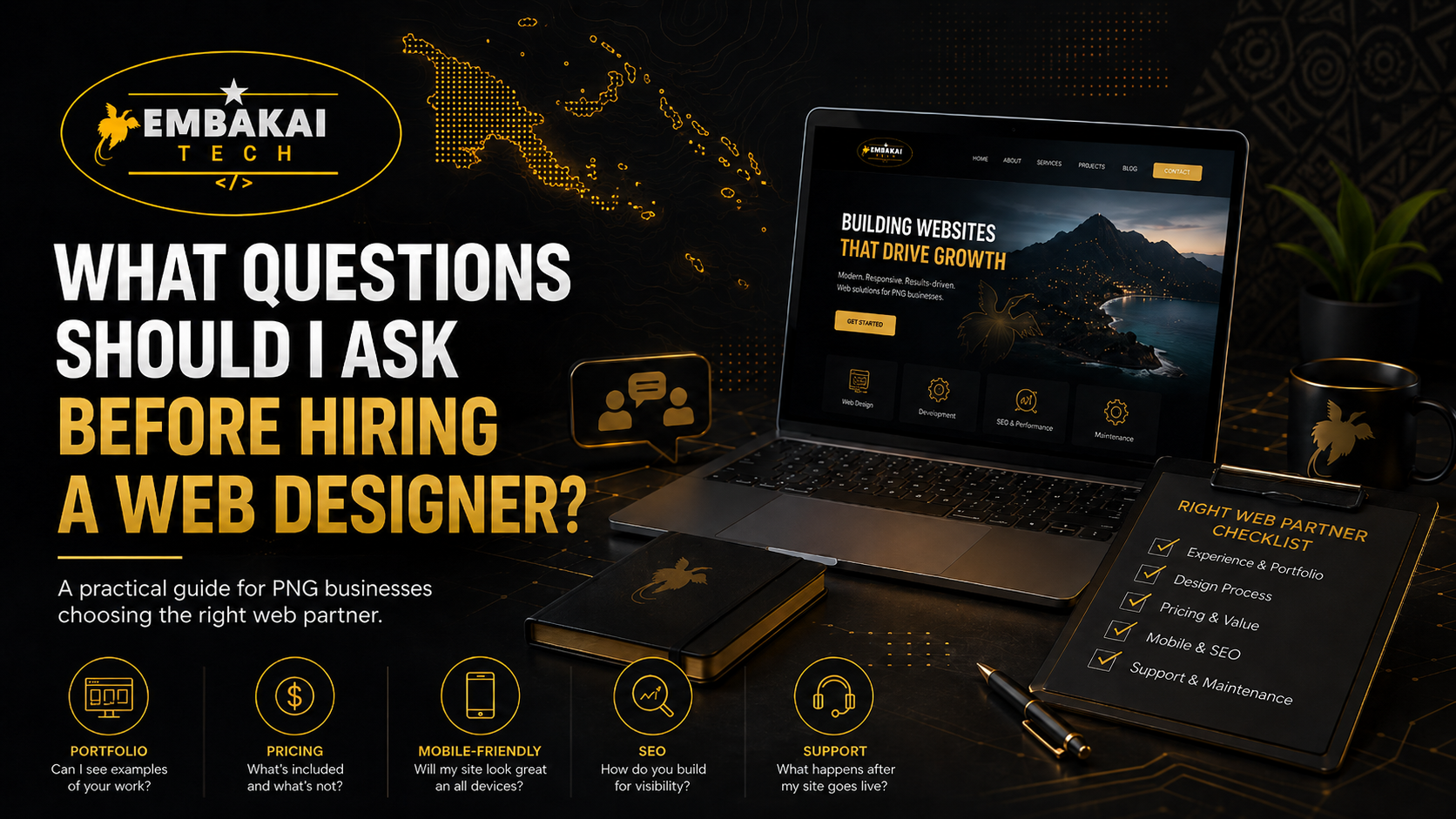
This guide covers the most important questions PNG business owners should ask before hiring a web designer.
The first question to ask is whether the designer has experience building websites for businesses like yours.
A website for a law firm is different from a website for an online shop. A website for a construction company is different from a website for a training provider. A website for a church, school, government program, SME, or consultancy will also have different needs.
Ask the designer to show examples of previous work. Do not only look at screenshots. Open the actual websites if possible. Test them on your phone. Check whether they load quickly, look professional, and make it easy to contact the business.
You should ask:
A good portfolio helps you understand the designer’s style, skill level, and attention to detail.
If the designer cannot show past work or explain their process clearly, be careful.
This is one of the most important questions.
Many business owners assume that when they pay for a website, everything is included. But that is not always true. Some designers only provide the visual design. Some build the website but do not include hosting. Some include hosting but not business emails. Some include only a few pages and charge extra for everything else.
Before you start, ask for a clear breakdown.
A complete website package may include:
Ask the designer to explain exactly what you are paying for.
You should ask:
A professional designer should have no problem explaining the package clearly.
Do not be afraid to ask about price directly.
A professional designer should be able to give you a clear estimate based on your requirements. The price may depend on:
A simple business website will usually cost less than an e-commerce website or custom web application. A website with customer accounts, payment gateway integration, booking features, file uploads, or dashboards will cost more because it requires more development work.
Ask for a written quotation or proposal so there is no confusion later.
You should ask:
The cheapest website is not always the best. A very cheap website may exclude important things like security, backups, SEO, mobile optimisation, or support.
Your goal should be value, not just the lowest price.
This question is very important.
Your domain name is part of your business identity. It is your online address. If your domain is not properly managed, your website and emails can stop working. In some cases, businesses lose control of their domain because they never clarified ownership.
Ask the designer who will register the domain and whose name it will be registered under.
You should also ask about ownership of:
Important questions include:
Some businesses prefer the developer to manage everything. That is fine, but the agreement must be clear. You should know what you own, what is managed by the designer, and what happens if you move to another provider.
A professional designer should be transparent about ownership and access.
In Papua New Guinea, many people browse websites using mobile phones. That means your website must work properly on small screens.
A mobile-friendly website should have:
If a customer opens your website on their phone and the layout is broken, they may leave immediately.
Ask the designer how they test mobile responsiveness.
You should ask:
Mobile-friendly design is not a luxury. It is a basic requirement for modern websites.
Website speed matters.
A slow website frustrates visitors. It also makes your business look unprofessional. In PNG, where some users may be on mobile data or unstable internet connections, speed is even more important.
A good designer or developer should know how to improve speed by:
Ask how they handle speed optimisation.
You should ask:
A website can look beautiful but still fail if it loads too slowly. Speed should be part of the project from the beginning.
SEO stands for Search Engine Optimization. It helps your website become easier to find on Google.
Basic SEO does not guarantee instant ranking, but it gives your website a proper foundation. Without SEO structure, your website may look good but struggle to appear in search results.
Basic SEO may include:
For PNG businesses, local SEO is important. Your website should clearly mention your services, location, service areas, and contact details.
Ask the designer:
A website without SEO is like a shop with no signboard.
Some business owners want the ability to update their own website. Others prefer the developer to manage updates.
Before hiring a designer, decide what works best for you.
If you want to update content yourself, ask whether the website will include an admin dashboard or content management system. This can allow you to:
Ask:
If you do not want to manage anything yourself, ask whether ongoing content updates are included in the support package.
A website project can delay if the client does not provide content on time.
Before the project starts, ask the designer what they need from you.
Usually, you may need to provide:
If you do not have written content, ask whether the designer can help with copywriting or content structuring.
You should ask:
Good content makes the website stronger. Design brings attention, but content explains value.
Revisions are normal in a website project. You may want to change wording, images, colours, sections, or layout.
But revisions should have limits. Without clear revision rules, the project can become messy for both the client and the designer.
Ask how many revisions are included before extra charges apply.
You should ask:
Be clear about the difference between a small revision and a new feature request.
For example:
Clear revision terms prevent conflict.
Every website project needs a realistic timeline.
A simple business website can be completed faster if all content is ready. A larger website, e-commerce store, or custom web system will take longer.
A basic process may include:
Ask:
Avoid unrealistic promises. A proper website needs planning, design, testing, and review.
Security should never be ignored.
Every website should have SSL, secure admin access, spam protection, proper hosting configuration, and backups. Websites with forms, customer accounts, payments, or file uploads need extra care.
Ask your designer:
A hacked website can damage your business reputation. It can also affect customer trust and search engine visibility.
Security is not something to think about after launch. It should be part of the project from day one.
Many business owners think the project ends when the website is launched. That is wrong.
After launch, your website may need:
Ask what post-launch support is included.
You should ask:
A website is not a one-day project. It is a digital asset that needs care.
For PNG businesses, WhatsApp and Facebook are important communication channels. Many customers prefer to message first before calling or emailing.
Ask whether your website can include:
You should ask:
Your website should make communication easy. Do not make customers search for your contact details.
A professional project should have a clear scope.
The scope explains:
Without a written scope, misunderstandings can happen.
Ask:
This protects both the client and the designer.
Be careful if a web designer:
A good designer should communicate clearly and professionally.
Before hiring a web designer, ask these key questions:
These questions will help you avoid mistakes and choose the right person for the job.
Hiring a web designer is not just about finding someone who can make a website look nice. You need someone who understands your business goals, your customers, your market, and the technical requirements behind a professional website.
For SMEs in Papua New Guinea, a website should be practical, mobile-friendly, fast, secure, SEO-ready, and easy for customers to use. It should help your business build trust, explain services, receive enquiries, and grow online.
Before you pay anyone, ask the right questions. A professional web designer or developer should be able to answer clearly, explain the process, show examples, and provide a proper scope.
The better your questions, the better your website project will be.
Contact Embakai Tech Solutions for a focused review, implementation plan or quote for your organisation in Papua New Guinea.