Your website developer announces that your new business website is ready for review.
You open the homepage. Your company logo looks good, the colours match your branding, and the design appears professional.
But have you tested the contact form? Can customers open your website on Android phones? Are your services visible to search engines? Does the quotation form actually record customer enquiries? Can authorised employees access the administration dashboard?
A website can look complete while important functionality remains unfinished or incorrectly configured.
For businesses in Papua New Guinea, these problems can affect customer enquiries, online orders, business communication and daily operations.
That is why website testing should be a standard part of professional development.
Before a business website goes live, its essential content, functionality, performance and technical configuration should be verified.
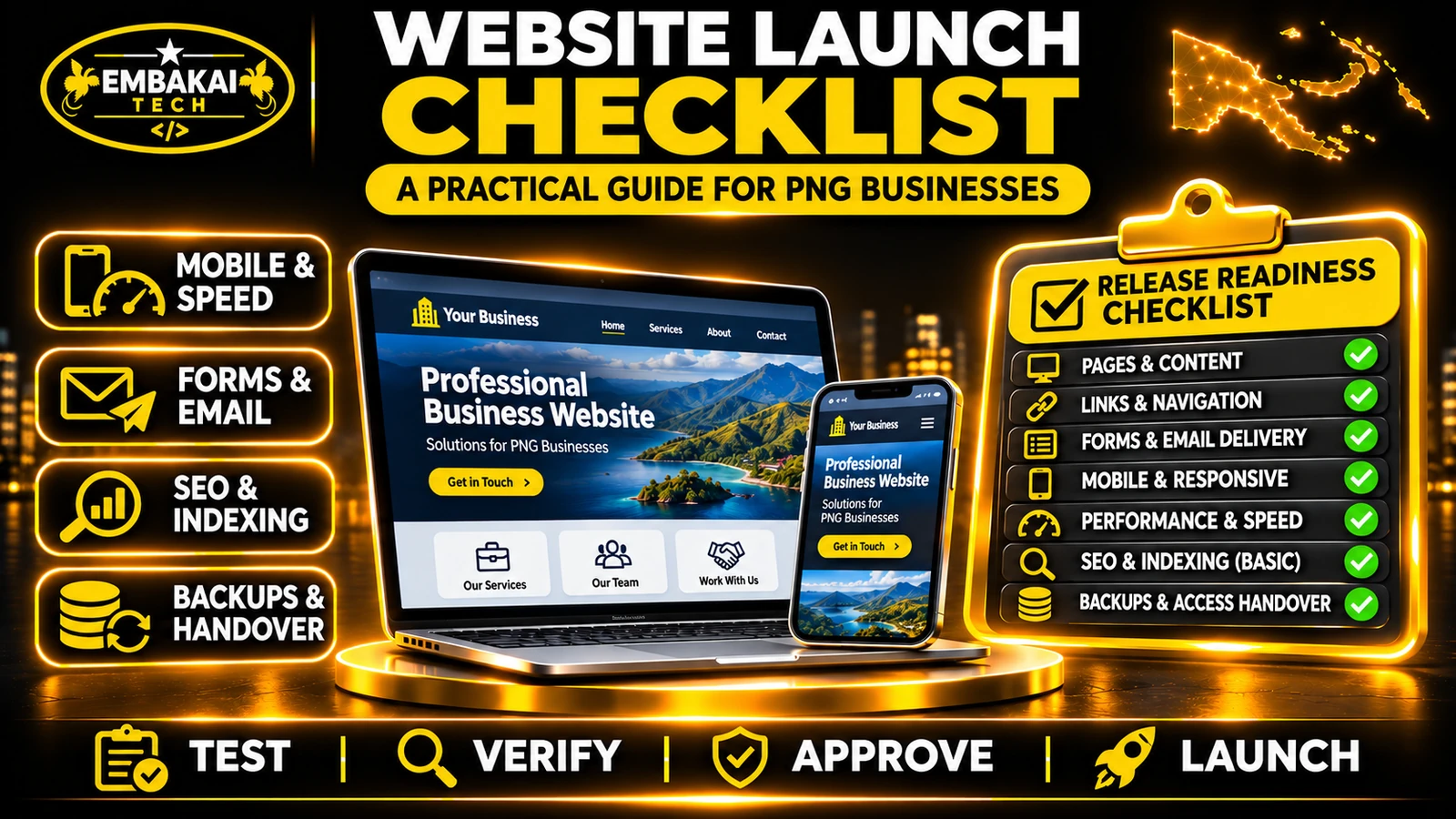
This guide provides a practical website launch checklist covering design, mobile responsiveness, forms, email delivery, SEO, security, administration and handover.
Website launch testing is the process of checking whether a website works as intended before it becomes publicly available.
It combines technical quality assurance with user acceptance testing.
Developers test the underlying application, while business representatives confirm that the website supports the tasks their customers and employees need to perform.
For example, a developer might confirm that a contact form successfully sends information to the backend.
The business should also confirm that the enquiry reaches the intended workflow, appears in the correct records and generates the expected notification.
Both tests are important.
Before testing begins, gather:
The testing process should distinguish between existing requirements, defects and additional features that were not originally included in the project.
A business website represents the organisation publicly.
Incorrect information can confuse customers and damage credibility.
Check the company's name, logo, services and published details.
For example, a construction company in Lae should ensure that its website accurately describes the services it provides.
If a developer has included a service the company does not offer, the information should be corrected.
The same applies to outdated contact numbers, incorrect office locations and unapproved project photographs.
Launch test: Review every major page against the approved company profile and content requirements.
Customers should be able to move through the website without confusion.
Open the homepage and navigate through the main sections.
These might include Home, About, Services, Projects, Blog and Contact.
Test:
Every navigation element should lead to the expected destination.
If your website includes a company profile, capability statement or application form, test the actual download.
A visible download button does not prove that the file exists or that customers can open it.
A nonexistent page should return an appropriate error rather than displaying unrelated content.
If existing URLs were changed during redevelopment, check that the required redirects work.
Launch test: Open the main pages directly, test their links and verify that visitors can reach important information without broken navigation.
Many customers in Papua New Guinea use mobile devices to discover businesses and access online services.
A website should therefore work properly on different screen sizes.
Where available, use Android and iPhone devices alongside desktop browsers.
Useful viewport widths include approximately 360, 390, 768 and 1440 pixels.
Check for:
Do not only inspect the homepage.
A typical customer journey might be:
Homepage → Services → Service Details → Request Quotation → Submit Enquiry
Complete this entire journey on a phone.
Check that text is readable, fields can be selected and buttons are easy to operate.
Launch test: Complete important customer workflows on real mobile devices without switching to desktop mode.
For many corporate websites, contact forms are among the most valuable features.
They help customers request services, ask questions and submit quotation requirements.
A form that looks correct but fails silently can result in lost business enquiries.
Submit the form with missing or incorrect fields.
The website should display useful validation errors.
If anti-spam protection is included, verify that legitimate visitors can complete the process.
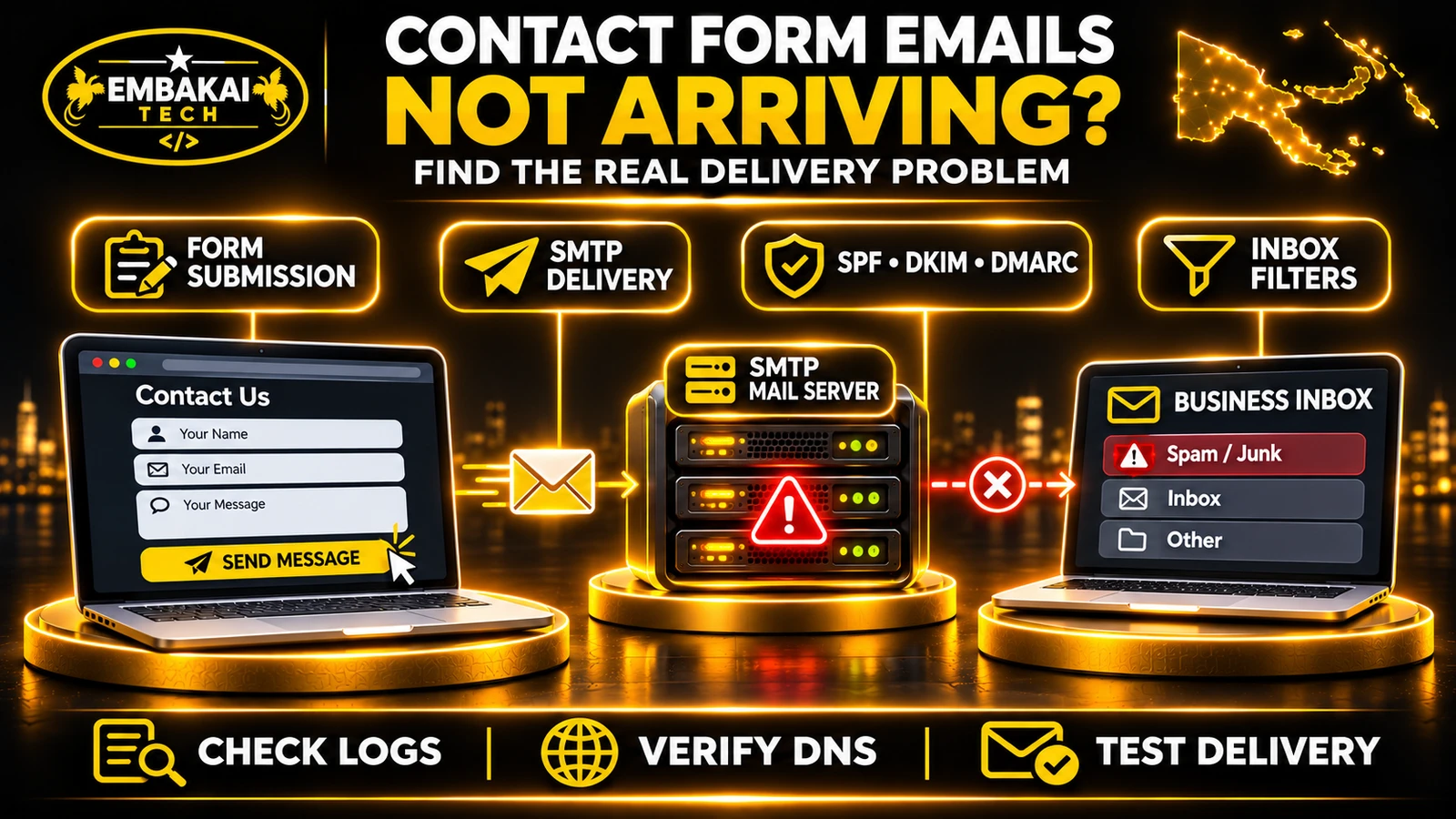
A successful form response does not necessarily mean an email reached the business inbox.
The application may save the enquiry successfully while the email notification fails.
For important business processes, an appropriate enquiry record provides an additional way to retrieve customer submissions.
Launch test: Confirm both successful enquiry processing and the expected notification workflow.
For detailed troubleshooting, see Why Your Website Contact Form Emails Are Not Arriving.
Business contact buttons should work correctly on supported devices.
Tap the WhatsApp button and verify that it opens the correct business number.
Check any prefilled message.
Tap the telephone number on a mobile device and confirm that the dialler opens with the correct number.
Test the email link and confirm it uses the approved business address.
If the business provides a location or directions link, check that it points to the correct place.
Do not publish invented physical office locations.
Launch test: Confirm every agreed contact action opens its intended destination.
A website that loads quickly on a developer's computer may behave differently on mobile connections.
Performance should be evaluated using representative pages and realistic usage conditions.
Include:
Tools such as Google PageSpeed Insights and browser developer tools can help identify performance problems.
Three useful performance measurements are:
| Metric | Good threshold | Purpose |
|---|---|---|
| Largest Contentful Paint | 2.5 seconds or less | Measures loading experience |
| Interaction to Next Paint | 200 milliseconds or less | Measures responsiveness |
| Cumulative Layout Shift | 0.1 or less | Measures visual stability |
These thresholds apply to relevant user-experience measurements, not a requirement that every laboratory test produces perfect scores.
Developers should investigate:
A website should be tested under suitable mobile network conditions as well as ordinary desktop browsing.
Launch test: Review actual results against the project's performance requirements and correct significant issues.
Search engine optimisation should be considered before the website is launched.
A business website needs clear content and appropriate technical signals.
Review important pages for:
For example, a service page targeting customers in Port Moresby should clearly explain the actual service rather than repeat location keywords without useful information.
Verify:
Development and staging environments may use restrictions to prevent search engine indexing.
Those restrictions must not unintentionally remain on public production pages intended for search.
Where access is available, verify the website property and inspect important URLs.
A sitemap can help search engines discover pages, but submitting one does not guarantee immediate indexing or rankings.
Launch test: Confirm that the public website exposes the intended content and metadata and that its important pages are eligible for crawling and indexing.
A business website should use properly configured HTTPS.
Check the main domain, relevant hostnames, contact forms and administration areas.
Confirm:
For websites with staff dashboards, verify that:
The application must enforce permissions through its backend rather than relying only on hidden interface controls.
Launch test: Verify intended HTTPS behaviour and complete authorised user access tests.
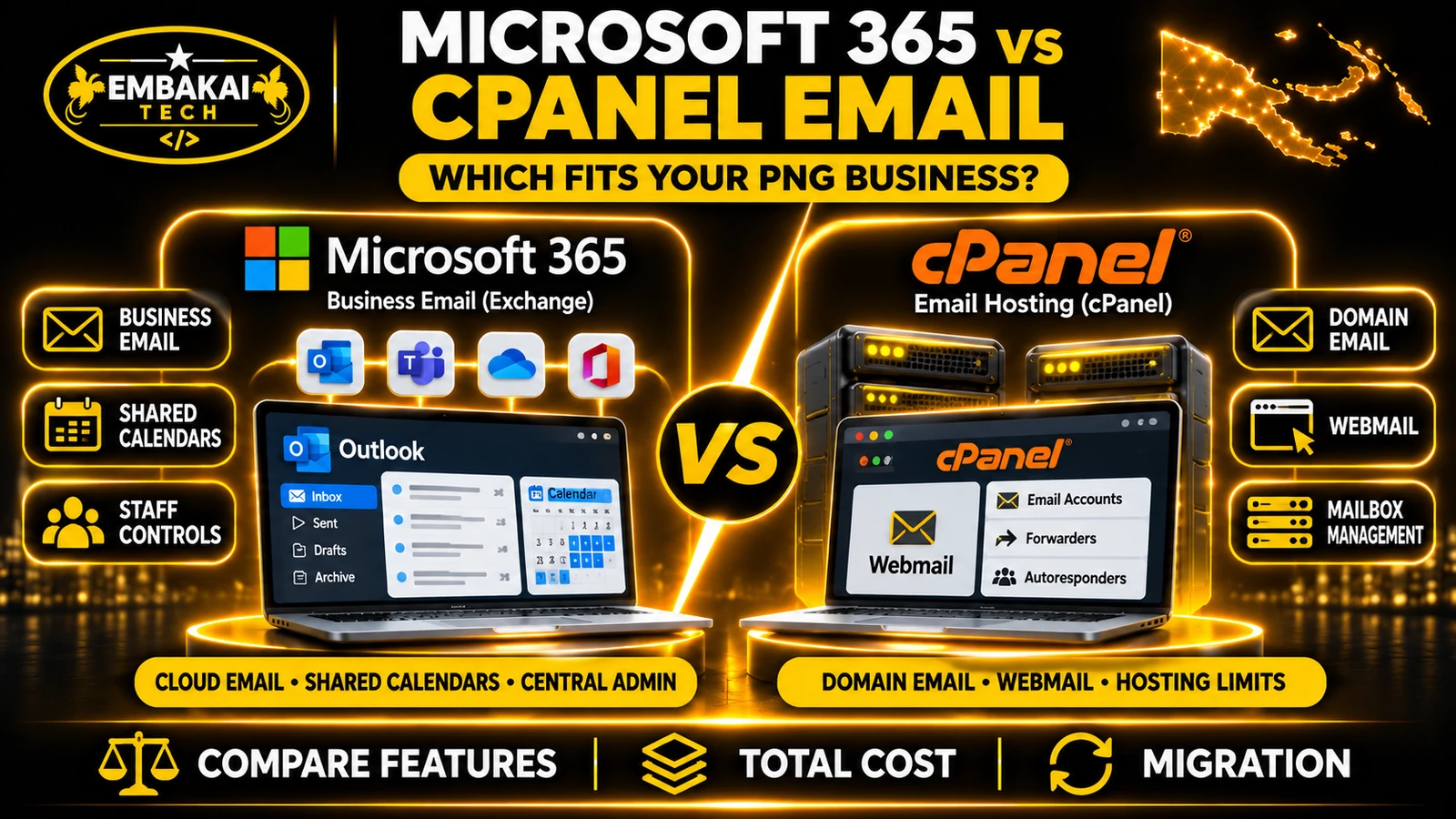
A business may host its website and email with different providers.
Launching a website should not unnecessarily interrupt existing communication services.
Confirm the public domain resolves to the intended infrastructure.
Check the root domain and www hostname where applicable.
Verify that existing business mailboxes can still send and receive messages.
Depending on the email provider, relevant DNS records may include:
Do not change these records without establishing what each one is used for.
Test application-generated email independently from ordinary staff email.
For example, a mailbox may receive external messages correctly while website quotation notifications fail.
Launch test: Confirm domain access, email continuity and expected website-generated notifications.
Some websites include more advanced features such as online stores, reservation systems, customer portals and registration applications.
These require additional testing.
An online store may need the following workflow:
Product → Cart → Checkout → Payment → Order Record → Confirmation
Verify product information, totals, order recording and inventory behaviour.
Use an authorised sandbox or provider-supported test environment.
Check successful and unsuccessful payment scenarios.
A payment should not be marked as verified merely because the customer's browser returns to a success page.
A reservation system may need to prevent conflicting bookings, validate availability and apply cancellation rules.
Customers should see only their authorised records.
Test direct links, document access and session handling.
Launch test: Complete the business workflows included in the agreed application scope and verify their actual backend results.
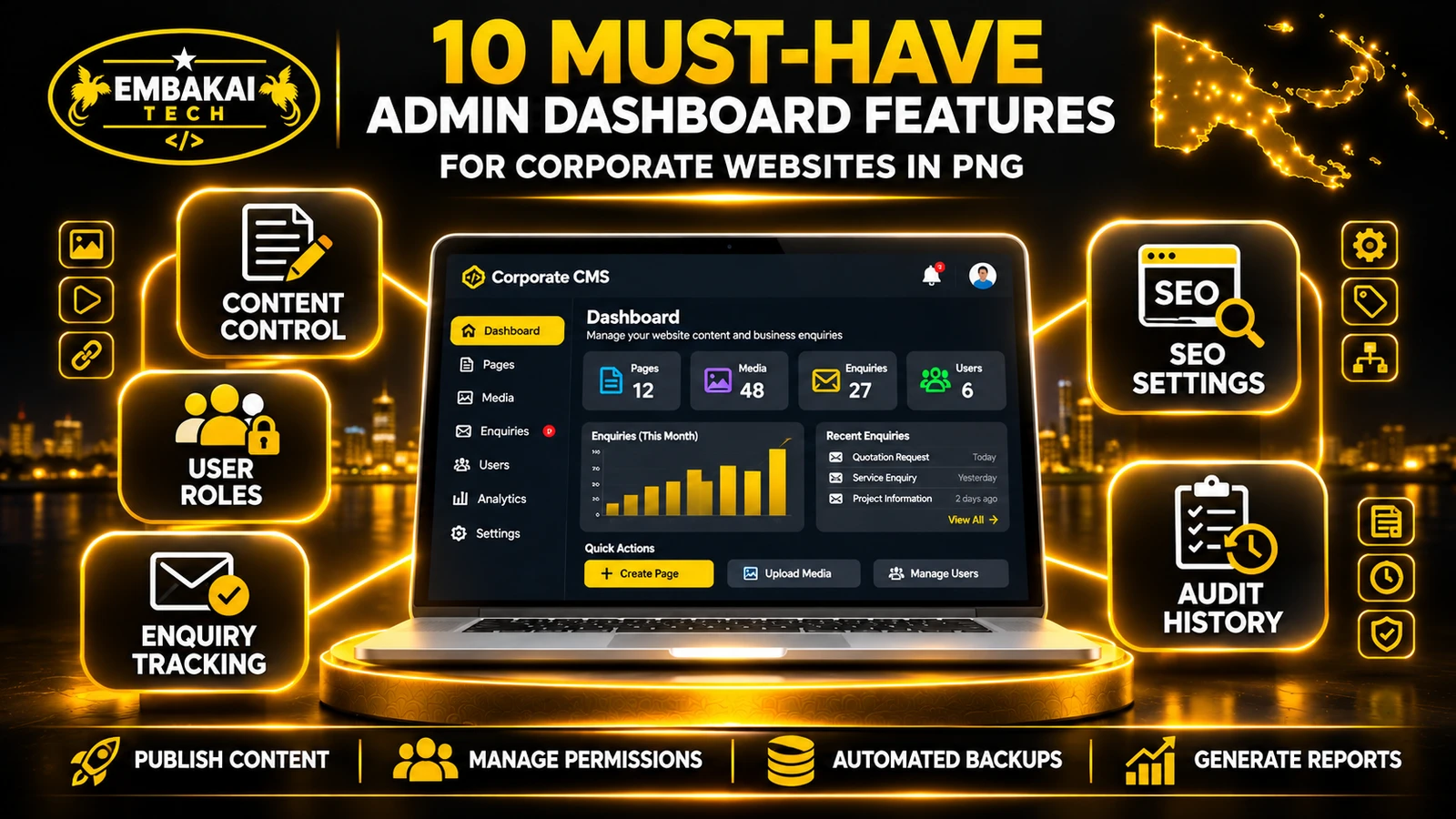
If the website includes a content management or administration dashboard, it should be demonstrated before handover.
Have an authorised employee:
Also test appropriate staff permissions.
The business should not require programming knowledge to perform ordinary content-management tasks that were included in its agreed CMS functionality.
Provide instructions for relevant daily tasks, including content editing, media uploads, enquiry management and account administration.
Launch test: Confirm that employees can complete the administration tasks specified in the project requirements.
A successful launch needs more than a functioning website.
The organisation should understand how its information is protected and how the website will be operated.
Verify:
Where appropriate, verify restoration using a controlled test environment.
Confirm the agreed arrangements for:
Document who handles software updates, operational support, incident reporting and future improvements.
A website that launches successfully still requires ongoing maintenance.
Launch test: Verify the access, training, documentation and recovery arrangements included in the service agreement.
A useful testing report should identify what was checked and what happened.
For example:
| Test | Expected result | Status |
|---|---|---|
| Homepage | Displays approved company information | Pass |
| Mobile navigation | Opens and closes correctly | Pass |
| Contact form | Stores enquiry and sends notification | Fail |
| WhatsApp button | Opens correct business number | Pass |
| SEO metadata | Correct title and canonical URL | Pending |
| Admin login | Authorised staff can access dashboard | Pass |
| Backup recovery | Restorable backup verified | Not tested |
These are illustrative results.
Real project reports should use evidence from actual testing.
Possible statuses include:
Pass: The requirement was verified.
Fail: The required function does not behave as expected.
Blocked: Testing could not be completed due to a documented dependency.
Not Applicable: The feature is outside the project requirements.
Do not mark a feature as passed simply because it appears visually complete.
If testing reveals an issue, identify its cause before making changes.
A useful workflow is:
Report → Investigate → Correct → Retest → Verify
For example, if a quotation form does not notify staff, investigate the form submission, backend processing and email delivery separately.
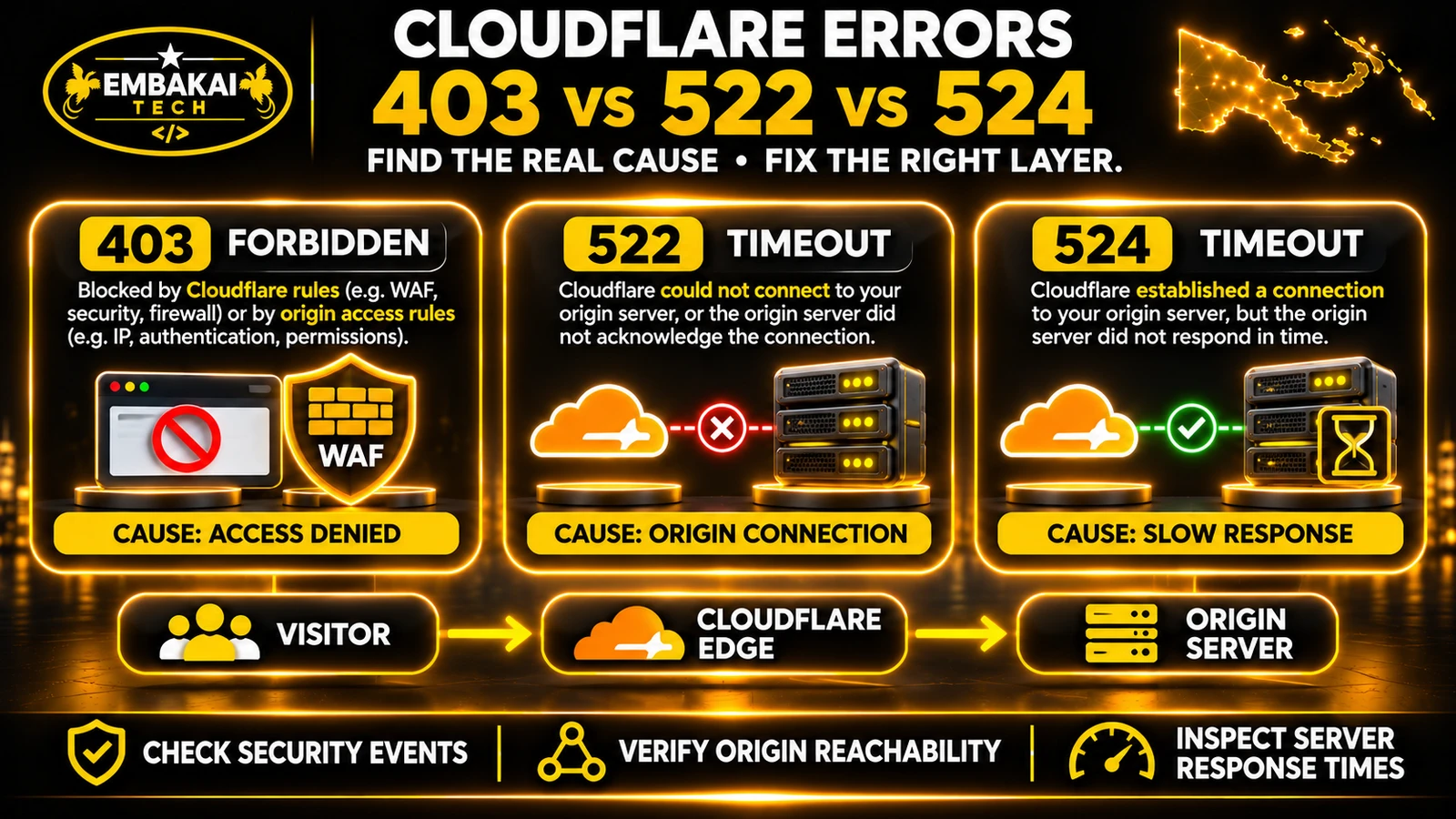
Do not simply change DNS or disable anti-spam controls without evidence.
Critical: Prevents an essential business operation or creates significant exposure.
Major: A required feature is broken or seriously impaired.
Minor: A limited defect with low operational impact.
The release decision should follow agreed quality and acceptance requirements.
Additional features outside the original development scope should be handled separately from defects.
Some problems only appear when an application moves from staging to production.
The live domain may use different email settings, environment variables, certificates or infrastructure.
After launch, repeat the most important checks.
Verify:
Continue monitoring the website as real visitor and application data becomes available.
A website launch is an operational milestone, not the end of maintenance.
Record the result of each applicable item rather than assuming the website is ready.
Verify approved content, mobile responsiveness, navigation, contact forms, email delivery, SEO, HTTPS, administration tools and any included business integrations.
Yes. A website may display correctly while forms, email notifications, database operations or administrative functions fail.
Both. Pre-launch testing verifies readiness, while post-launch testing confirms that the production environment works correctly.
No. They can test content accuracy, contact methods, customer journeys and ordinary administration tasks. Developers should verify the technical components and provide appropriate evidence.
No. Google determines whether and when pages are indexed. Suitable content, crawlability and technical SEO help establish the necessary foundation.
Yes. Testing should include representative phones and important mobile user journeys, not simply desktop browser previews.
No. The enquiry may be accepted by the application while its notification fails. Both stages should be checked.
Backups and recovery arrangements help protect application files, business records and uploaded content from operational failures or accidental loss.
A professional website is not ready merely because its design looks attractive.
It should also perform the tasks the organisation expects.
Customers must be able to find information, navigate the website, contact the business and complete the relevant forms or transactions.
Employees should be able to manage the agreed website functionality.
The domain, email, hosting, SEO and recovery arrangements should also be verified.
A structured launch checklist helps turn a finished design into a reliable business website.
Embakai Tech Solutions provides website design and development services for businesses and organisations throughout Papua New Guinea.
Our development approach focuses on business requirements, responsive website design, relevant functionality, technical testing and appropriate project handover.
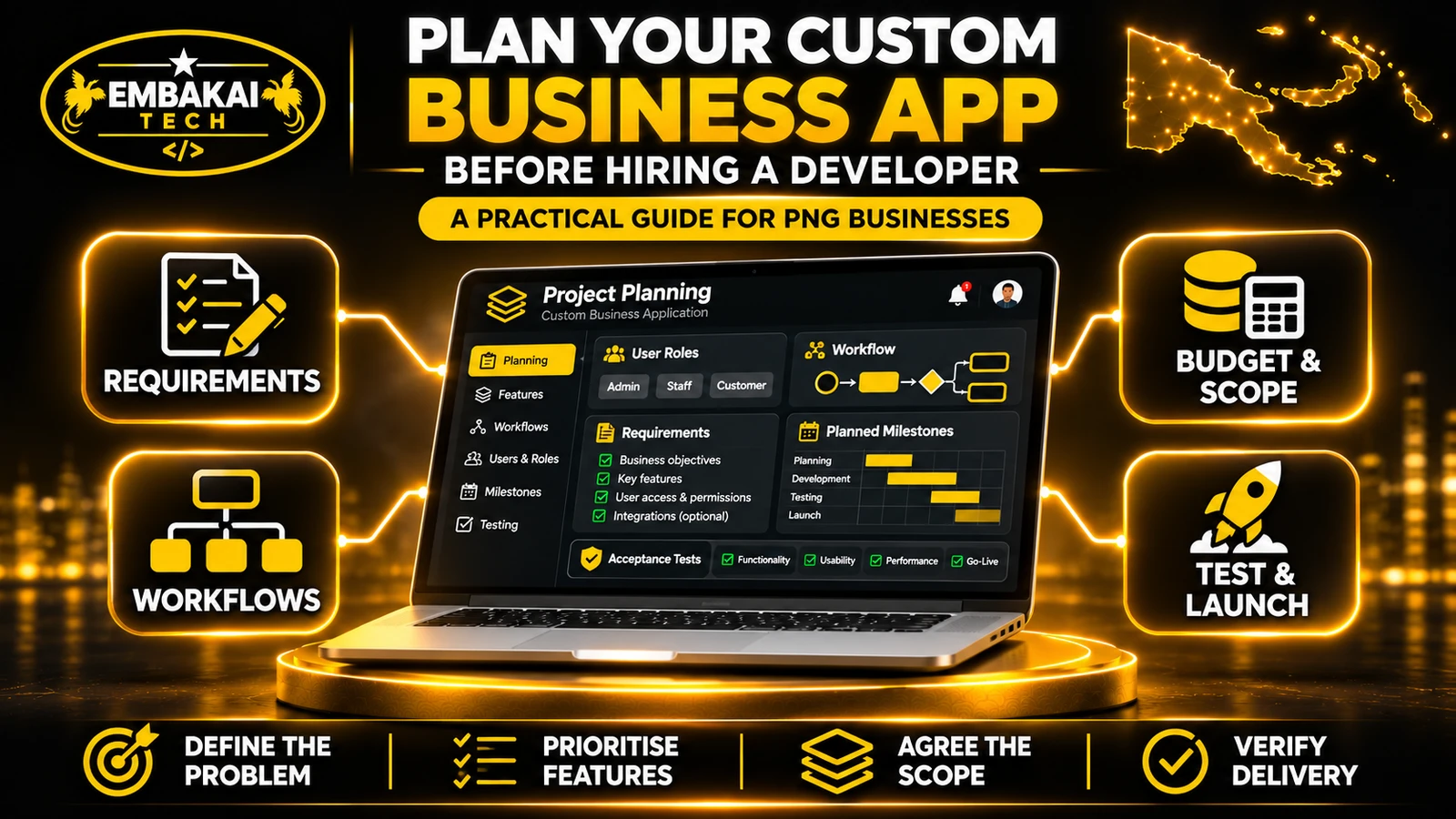
If you are preparing a new corporate website, business portal or website redesign, define the required features and acceptance criteria from the beginning.
Explore our Website Redesign Checklist or contact Embakai Tech Solutions to discuss your project.
Contact Embakai Tech Solutions for a focused review, implementation plan or quote for your organisation in Papua New Guinea.

Explore our PNG service areas and industry website options, or discuss full-stack and custom software development. Embakai is based in Port Moresby and supports remotely managed projects across PNG.
Request a Quotation