Shared cPanel hosting can support many corporate websites, blogs and modest online stores in Papua New Guinea. Consider a VPS when you can point to a recurring resource limit or a runtime requirement your shared plan cannot support, such as continuous background workers. Use this guide to diagnose the problem and compare the full cost before moving.
Shared hosting is a hosting arrangement where multiple customers use resources from the same underlying server infrastructure.
Each customer normally receives a hosting account with limits established by the provider.
The hosting company manages much of the server environment, including the operating system, shared web-server software and account administration.
cPanel provides the customer-facing control panel.
Through cPanel, a business may be able to manage:
Imagine a small company in Madang that needs a professional website containing its services, company information, photographs, project portfolio, contact form and occasional news articles.
The website runs on PHP or WordPress and receives a manageable volume of traffic.
If the hosting package supports its application requirements, there may be no reason to rent and administer an entire VPS.
Shared hosting can provide the necessary functionality while the hosting provider handles most of the server administration.
The provider distributes the cost of the underlying infrastructure and administration across multiple accounts.
Customers receive defined hosting resources rather than independently managing an operating system.
However, this arrangement also introduces restrictions.
Your hosting provider may limit CPU consumption, physical memory, disk activity, concurrent application requests and background processes.
Those limits vary between packages.
A Virtual Private Server is a virtual machine created on physical server infrastructure.
Virtualisation allows a provider to divide underlying hardware into separate server environments.
A VPS typically receives an allocated amount of CPU capacity, memory, storage and network resources, according to its plan.
Unlike an ordinary shared hosting account, a VPS commonly offers operating-system-level administration and greater control over installed software.
For example, a VPS administrator may be able to configure:
However, a VPS is still virtual infrastructure. Other virtual machines may use the same physical host, and actual performance depends on the provider's resource allocation and storage architecture.
A VPS is not automatically faster, safer or more reliable simply because it is called a VPS.
This distinction is frequently overlooked.
cPanel is a hosting control panel. VPS is a type of hosting environment.
You can have shared hosting with cPanel.
You can also install or purchase a supported cPanel environment on a VPS, usually with an appropriate licence.
A VPS does not automatically include cPanel, and a cPanel licence can add to its operating cost.
Similarly, shared hosting does not have to use cPanel. Other control panels and management systems exist.
When comparing packages, the meaningful distinction is generally:
Provider-managed shared hosting with account-level limits versus a virtual server with greater resource and software control.
Understanding this prevents businesses from paying for infrastructure based only on product names.
| Feature | Shared cPanel Hosting | VPS Hosting |
|---|---|---|
| Initial cost | Generally lower | Generally higher |
| Resource allocation | Account-level limits | Allocated virtual server resources |
| Operating-system control | Normally restricted | Usually available, depending on plan |
| Software installation | Limited by provider | More flexible |
| Server administration | Primarily provider-managed | Depends on managed or unmanaged plan |
| PHP applications | Supported according to package | Configurable within server capabilities |
| Persistent background workers | May be restricted | Commonly supported |
| Custom Node.js/Python services | Depends on plan | More flexible |
| Database configuration | Provider-controlled | Greater administrative control |
| Backups | Depends on hosting package | Must be defined and managed |
| Scalability | Upgrade within available hosting plans | May support resizing or migration |
| Maintenance responsibility | Usually lower | Greater, unless managed |
| Best suited for | Conventional websites and lighter applications | Custom workloads and applications needing more control |
Neither environment eliminates the need for good application development, appropriate backups or monitoring.
A common mistake is assuming that shared hosting performance depends only on storage space and monthly bandwidth.
Those limits are important, but they do not explain everything.
For dynamic websites, CPU, memory, disk operations and concurrent processing can matter much more.
Many cPanel hosting providers use CloudLinux to control account-level resource usage.
If your provider uses CloudLinux, you may encounter the following measurements.
CPU measures processing capacity.
When someone opens a dynamic PHP page, the server may need to execute application code, process database results and generate the response.
If the account reaches its CPU limit, requests may execute more slowly.
Possible causes include:
The underlying workload should be investigated first.
Memory is used by running applications and processes.
If an application requires more memory than the environment allows, operations may fail.
For example, importing a large product catalogue or generating a complex report may exceed the memory available to the account.
Repeated memory-limit failures are worth investigating.
However, inefficient code or oversized operations may still need correction even after an upgrade.
CloudLinux uses entry-process limits to control certain concurrent operations entering an account's execution environment.
These often relate to dynamic web requests and can also be affected by the provider's web-server configuration.
For supported Apache configurations, exceeding an entry-process limit can produce a 508 Resource Limit Reached response.
A website may encounter this problem when many dynamic requests are processed simultaneously or when individual requests take too long to complete.
The exact behaviour differs between server configurations, including Apache and LiteSpeed.
Disk I/O relates to how much data the application reads from and writes to storage.
IOPS measures input/output operations.
A website that repeatedly reads and writes many files may experience delays even when its CPU usage is not particularly high.
Workloads involving extensive file operations, backups, imports or inefficient storage access can encounter these constraints.
Some hosting environments also limit the number of processes or threads associated with an account.
Exceeding those limits can prevent new processes from starting.
The lesson is straightforward:
A hosting package advertising generous disk space may still have strict limits on the resources that determine how well a dynamic application performs.
Ask your provider for the actual resource limits rather than relying only on marketing specifications.
Not every warning sign automatically requires a VPS.
However, these symptoms indicate that the hosting environment deserves a closer examination.
If your hosting resource dashboard repeatedly reports CPU, memory or entry-process limit events during normal business operations, investigate the cause.
Occasional spikes may be manageable.
Consistent limits that affect users are more serious.
Your website may work well early in the morning but slow down when more customers visit.
This could indicate insufficient available resources, expensive dynamic requests or inefficient database operations.
Measure the problem before deciding on the upgrade.
Your application may need to process queued emails, imports, reports or data synchronisation tasks.
Some shared plans allow scheduled cron jobs but restrict continuously running processes.
If the business depends on workers that must operate reliably throughout the day, a VPS or managed application platform may be more suitable.
A custom application may need a particular runtime, database service or background component.
If the shared provider does not support the necessary software, a more configurable environment may be required.
Do not assume that access to cPanel means every PHP, Node.js or Python deployment model is supported.
Large datasets do not automatically require a VPS.
But repeated slow queries, complicated reporting and constrained database resources can become operational problems.
First inspect indexing, query design, caching and database relationships.
If the application has been optimised and still exceeds the available capacity, a hosting upgrade may be justified.
Applications that generate documents, resize images, import spreadsheets or process large files may exceed shared hosting time and memory limits.
A more capable hosting environment may be necessary if the tasks cannot reasonably be simplified or moved to suitable external services.
Some organisations need particular server configurations, continuous workers, advanced monitoring, deployment automation or application-specific services.
A VPS can provide greater flexibility.
However, the organisation must also accept responsibility for maintaining that environment or pay for managed administration.
Not every business benefits from moving to a VPS.
Shared hosting can remain appropriate for:
Consider a law firm that publishes practice areas, lawyer profiles, company information, occasional articles and contact forms.
Most visitors read public pages.
Employees make relatively infrequent content updates.
The site may run perfectly well on good shared hosting, provided the package meets its application requirements.
Moving to an unmanaged VPS could increase cost and operational complexity without producing a meaningful improvement.
A service company uses a website to display capabilities, photographs and quotation contact details.
Its site has optimised images, reliable caching and straightforward PHP functionality.
It does not require continuous background processing.
Again, shared hosting may be sufficient.
Do not upgrade simply because a website is important to your business. Upgrade when the infrastructure no longer meets the workload and operational requirements.
VPS hosting can make sense when an application needs more than a conventional shared account can provide.
Imagine a company that operates several branches.
Employees use a custom system for inventory, quotations, customer requests, job assignments and reporting.
The application processes scheduled imports, sends queued notifications and communicates with external APIs.
A VPS may be appropriate because the development team needs more control over resource allocation, background workers and operational monitoring.
An e-commerce business may require frequent inventory synchronisation, order-processing jobs and connections to a Point of Sale system.
A small store can still work on shared hosting.
However, a growing application with intensive integrations may benefit from the flexibility of a VPS.
A portal may accept document submissions, generate reports and dispatch notifications.
If these tasks need dedicated workers and predictable execution, shared hosting restrictions may become a significant limitation.
A suitable VPS or managed platform can support the required background services.
The decision should still consider the actual application and the provider's service guarantees.
No.
This is one of the most important points when evaluating a proposed hosting upgrade.
Suppose a corporate website has a 6 MB hero image, several unnecessary JavaScript libraries and a database query that runs inefficiently on every page request.
Moving the website to a VPS does not automatically optimise the image, remove unnecessary JavaScript or correct the database query.
The same underlying problems can remain.
A VPS may provide more processing capacity, but adding resources to an inefficient application is not always the most economical solution. What affects page speed? Website performance depends on several factors:
Server response time: How quickly the server begins returning a response.
Database performance: How efficiently required data is retrieved.
Frontend asset size: How much JavaScript, CSS and imagery the browser must download.
Caching: Whether suitable content can be served without repeatedly executing expensive operations.
Network conditions: The connection between users and the hosting infrastructure.
Browser processing: How efficiently the website renders and responds to interaction.
Google's Core Web Vitals focus on loading performance, responsiveness and visual stability.
The key metrics are:
Review:
If the optimised application still exceeds the shared plan's capabilities, a VPS becomes a stronger option.
Before spending money on a new hosting package, collect evidence.
Sign in to the hosting account.
Depending on the provider's interface, look for resource usage, performance statistics or CloudLinux resource information.
Available measurements may include CPU, memory, I/O and entry processes.
Check resource-limit events over a meaningful period.
Do not judge the entire hosting environment from one temporary spike.
Record when users experienced slow loading or failed requests.
Compare those periods with available resource information.
For example, if resource faults occur whenever a scheduled import runs, the import may be the immediate cause.
If the website slows down but the account shows no resource-limit events, investigate other possibilities such as database delays, external services or frontend performance.
Inspect relevant application and server logs that the provider makes available.
Look for repeated errors, failed requests and execution-time problems.
Avoid publicly exposing diagnostic logs or private configuration files.
Test more than the homepage.
For example:
Instead of asking only whether the hosting is slow, ask:
Sometimes, yes.
A higher-tier shared hosting package may offer more account resources while retaining provider-managed infrastructure.
This can be an effective middle step when the main issue is a modest increase in CPU, memory or account limits.
However, the higher tier must actually address the constraint.
For example, upgrading from a package with less storage to one with more storage will not necessarily help an application that is hitting its CPU limit.
Compare the actual resource allocations. Consider a shared-plan upgrade when:
When evaluating a VPS, check whether the service includes ongoing administration.
An unmanaged VPS usually provides the virtual server and its allocated resources.
The customer is responsible for much of the operating environment.
Responsibilities may include software installation, operating-system updates, access administration, monitoring, backups and recovery.
This option can suit developers or organisations with suitable infrastructure expertise.
However, it may be inappropriate for a small business without technical support.
A managed VPS includes some provider-managed services.
Depending on the agreement, those may include server setup, updates, monitoring, backups or support.
The term managed is not standardised across providers.
One provider may manage only the operating system, while another offers a broader application-support service.
Always ask exactly what is included.
A low advertised VPS price can be misleading if the business also needs operating-system administration, backups, a control-panel licence and technical support.
Similarly, a shared hosting package may include features that would cost extra elsewhere.
| Cost component | Shared Hosting | VPS Hosting |
|---|---|---|
| Base hosting fee | Required | Required |
| Server administration | Often included at infrastructure level | May cost extra |
| cPanel licence | Often bundled | May be separate |
| Backup service | Depends on package | Depends on service |
| Technical management | Limited application-level support | Managed or self-administered |
| Monitoring | Varies | May need additional setup |
| Maintenance effort | Generally lower | Usually greater |
| Migration | May apply | May apply |
For a meaningful comparison, ask for the total annual cost and a clear description of what is included.
In PNG, prices may also be affected by international billing currencies and payment arrangements.
Avoid basing the decision on foreign-currency prices without checking the final amount payable and any additional service fees.
Embakai Tech Solutions provides hosting and infrastructure services for PNG organisations, including shared hosting and VPS-related solutions.
Explore Domain, Hosting & DevOps.
Check current package details and request an appropriate quotation rather than assuming every business needs the same server.
Yes, in certain architectures.
A Laravel application can run on compatible PHP hosting.
React components can be compiled into static browser assets using Vite during development or a build process.
The production web server then serves those compiled JavaScript and CSS files while Laravel handles backend processing.
In that arrangement, a permanently running Node.js process is not necessarily required.
However, the environment must support Laravel's PHP requirements, the correct public document root, database access and the application's operational needs.
If the application requires continuous background workers, WebSockets or other server-side runtimes, the hosting requirements change.
For practical deployment examples, read:
React + Laravel on Shared cPanel Hosting.
The important point is that using modern development technologies does not automatically mean the business needs a VPS.
The application architecture determines the runtime requirements.
The company has a corporate website, service descriptions, project portfolio and contact form.
Traffic is manageable, and the website does not need continuous background processes.
Its current shared hosting environment performs reliably.
Recommendation: Continue with shared hosting. Improve the application where necessary and monitor usage.
There is no clear business reason for a VPS at this stage.
The retailer has a product catalogue, checkout, customer accounts and inventory management.
During promotions, dynamic requests increase and the site periodically reaches account-level resource limits.
Recommendation: Inspect database performance, caching, resource usage and integration tasks.
If those are optimised but the site still exceeds available capacity, compare a higher-resource shared plan with a suitable VPS.
The organisation uses a custom application for staff dashboards, job assignments, customer portals and scheduled integrations.
The system requires continuously running workers and greater control over supporting services.
Its current shared hosting account cannot support those processes reliably.
Recommendation: Evaluate a managed VPS or a suitable managed application platform.
The reason is the application's operational requirement, not simply the desire for a newer hosting package.
These examples are hypothetical scenarios, not claims about specific customers.
Once the decision to upgrade has been justified, plan the migration carefully.
A migration affects more than website files.
The application may depend on databases, email routing, scheduled tasks, certificates, external integrations and other services.
Record:
Configure the required operating system and application software.
Verify that the target server supports the application.
Do not assume that a fresh VPS has the same runtime environment as the original cPanel account.
Transfer the necessary files and databases through a controlled process.
Check ownership, permissions, configuration values and required application directories.
Protect private credentials during the migration.
Where feasible, use a staging hostname or appropriate local hostname override to test the application against the new server.
Verify public pages, logins, forms, database operations and integrations.
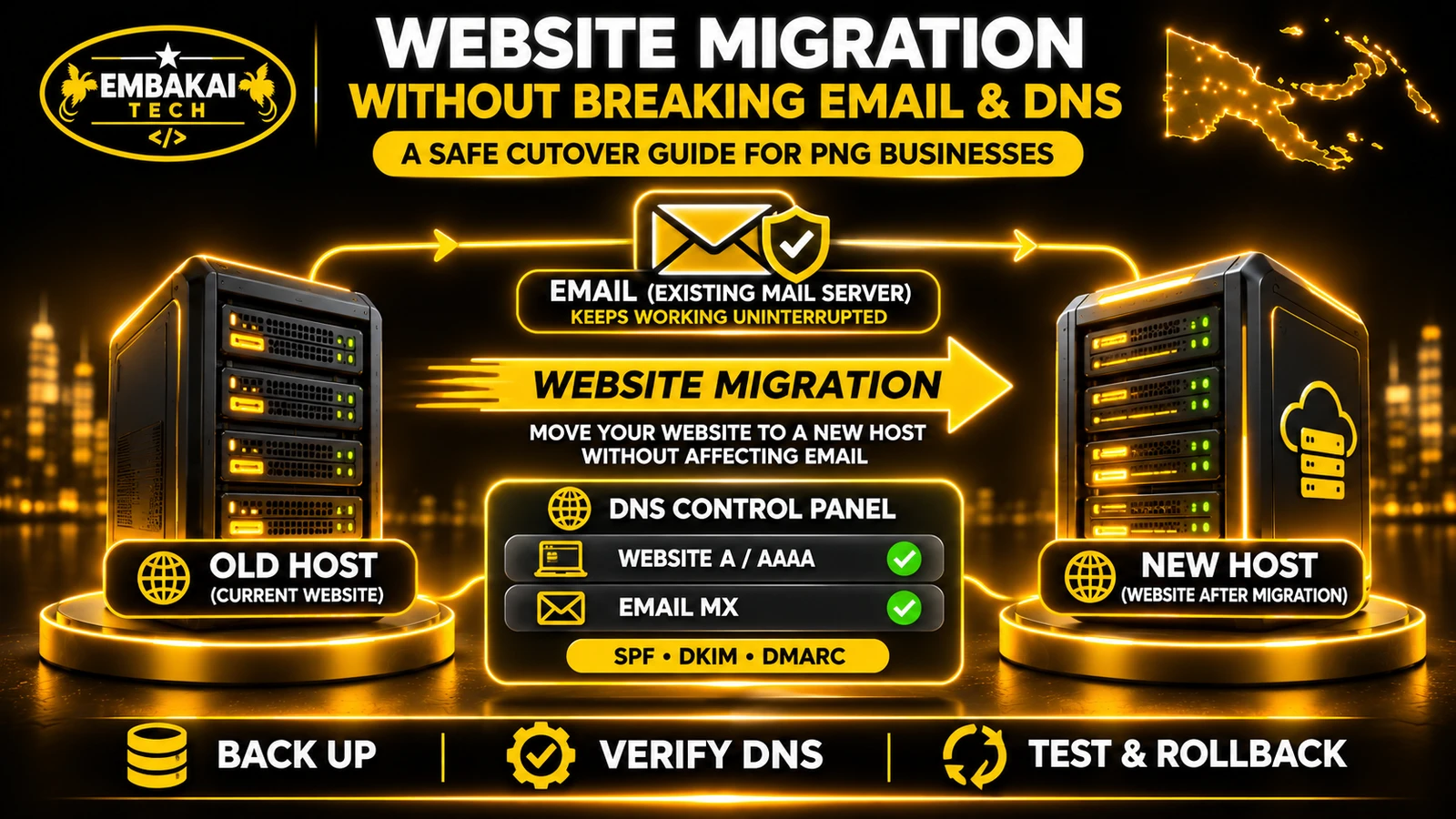
Moving a website does not necessarily require moving email services.
Review the existing MX records and other email-related DNS configuration before changing the website's hosting destination.
An incorrectly planned DNS change can affect business email even when the website itself works.
Plan how recent database changes will be synchronised.
For sites where customers submit orders or other important records, define an appropriate final data-sync or controlled maintenance procedure.
Make sure the business understands any expected interruption.
After switching the website to the new environment, check:
Do not immediately delete the original hosting environment.
Retain an appropriate recovery window and verified backups until the migration is stable.
A successful homepage response does not prove that every application function has migrated correctly.
Before upgrading, answer these questions.
If the application has a confirmed resource or runtime requirement that shared hosting cannot meet, upgrading may be the practical next step.
A VPS may provide more predictable resources and greater configuration control. However, performance depends on the plan, provider and application. A well-optimised shared-hosted website can perform better than a poorly configured VPS.
Yes, on compatible server environments with the necessary licensing. A VPS does not automatically include cPanel.
Yes, many WordPress websites operate successfully on shared hosting. Suitability depends on plugins, traffic, caching, resource usage and hosting quality.
Not automatically. Some Laravel applications run on compatible shared PHP hosting. The need for VPS hosting depends on runtime requirements, background processes, resources and deployment constraints.
An upgrade does not guarantee better rankings. Improved server performance may help the user experience, but content quality, technical SEO and other website factors remain important.
Yes, within its available resources and configuration. Capacity depends on the workloads of the websites, not simply the number of domains.
If a VPS is necessary and the business does not have the expertise to administer it, an appropriately managed service is usually worth considering. Confirm exactly what the provider will manage.
Migrate when there is a justified business or technical requirement, a suitable destination environment and a tested cutover plan. Avoid unnecessary migrations based solely on hosting trends.
Shared cPanel hosting is not outdated technology.
It remains a practical solution for many professional websites, company portfolios, blogs and relatively modest applications in Papua New Guinea.
VPS hosting becomes more valuable when the application needs greater resource control, specialised software, continuous background processing or infrastructure flexibility that shared hosting cannot provide.
But upgrading should not be the first reaction to a slow website.
Start by measuring the problem.
Inspect resource usage, review the application and identify whether the existing hosting package is genuinely limiting performance.
Then compare the available options based on workload, reliability, management responsibilities and total cost.
The right hosting environment is the one that supports the business reliably without unnecessary expense or complexity.
Embakai Tech Solutions helps businesses and organisations plan website hosting, custom applications and appropriate deployment environments.
Whether you need a professional company website on shared hosting or a custom business platform requiring VPS infrastructure, the starting point is understanding your application's actual requirements.
Explore Domain, Hosting & DevOps or custom software development.
Contact Embakai Tech Solutions to discuss hosting compatibility, application requirements or a suitable upgrade.
Contact Embakai Tech Solutions for a focused review, implementation plan or quote for your organisation in Papua New Guinea.