A business in Papua New Guinea needs professional email addresses for its employees.
The manager wants addresses such as [email protected], [email protected] and [email protected].
The hosting provider offers business email through cPanel. Another supplier recommends Microsoft 365, which includes Exchange Online and, depending on the subscription, additional productivity applications.
Both options can use the same professional company domain. Both can send and receive email. Both can support employees using computers and mobile phones.
So why would a business choose one over the other?
The answer depends on more than the monthly or annual price.
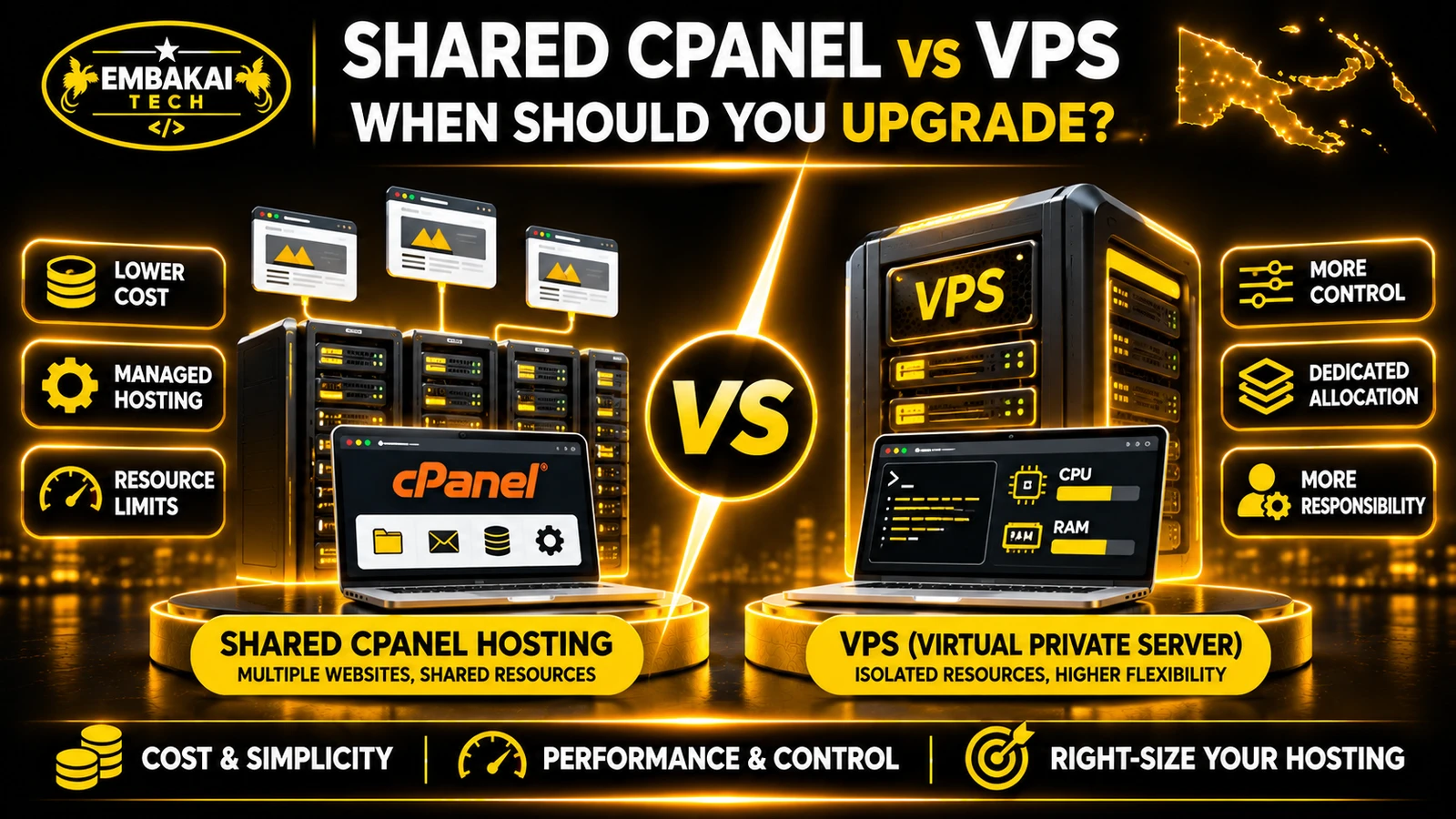
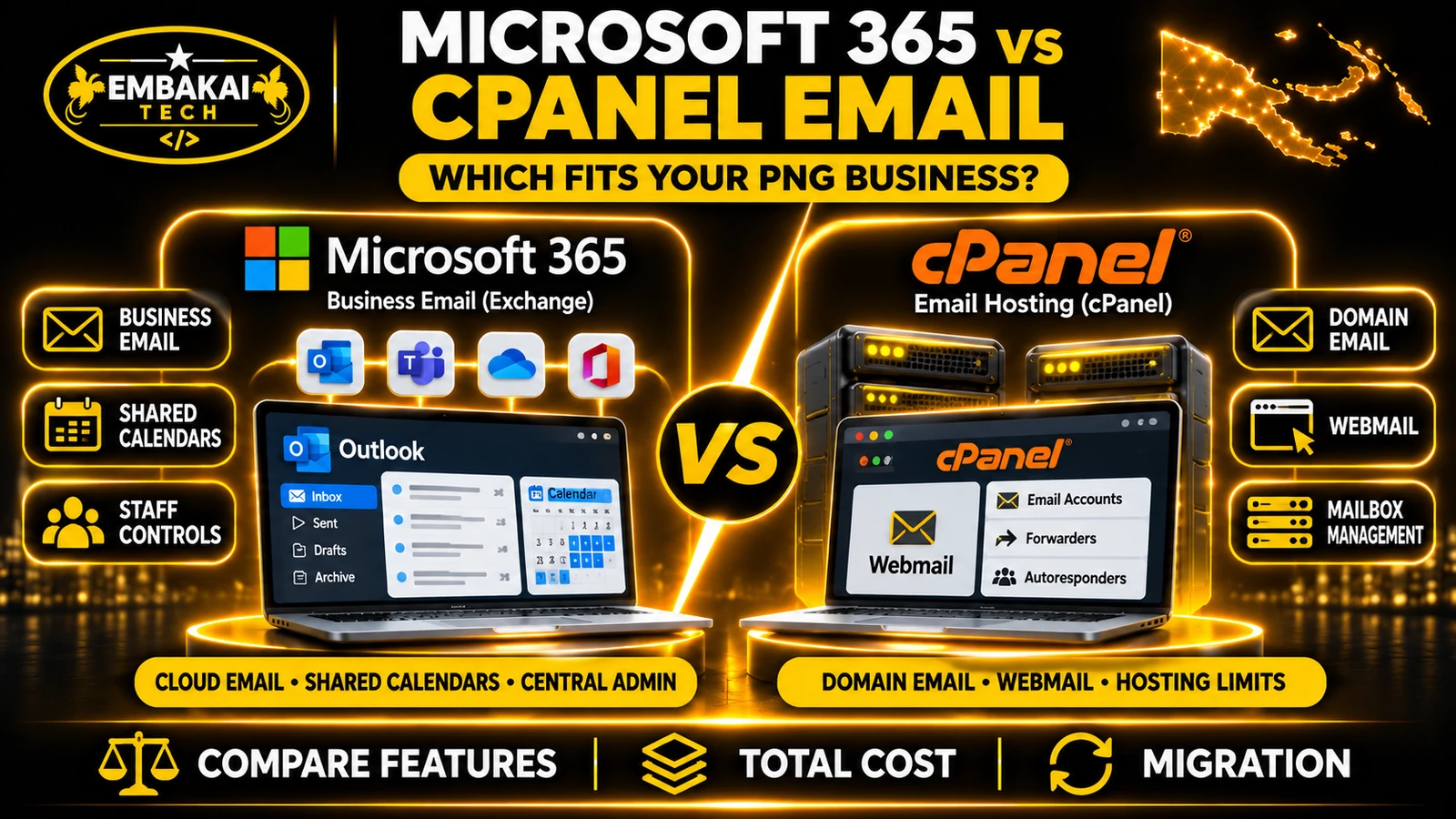
Microsoft 365 and cPanel email hosting are different approaches to managing business communication. Microsoft 365 provides a centrally managed cloud email platform with integrated productivity and collaboration capabilities. Traditional cPanel email hosting provides domain-based mailboxes managed through a hosting account, with features determined by the provider's server configuration and package.
Neither is automatically the right choice for every organisation.
A small contractor with five employees and basic email requirements may find a suitable cPanel email package economical and straightforward.
A law firm coordinating appointments, shared mailboxes, mobile devices and document collaboration may benefit from Microsoft 365.
This guide compares their features, costs, storage, administration, security, technical requirements and migration considerations to help PNG businesses make an informed decision.
cPanel is a hosting control panel used by many website and email hosting providers.
Where email services are enabled, cPanel allows authorised users to create and manage email accounts associated with their domains.
For example, a company with the domain:
example.com.pg
Could create:
These addresses can be used through the hosting provider's webmail interface or configured in compatible email clients.
Depending on the provider and package, features may include:
The exact features depend on the hosting provider.
cPanel is an administration interface, not a guarantee that every hosting provider supplies the same email infrastructure or service quality.
Two providers can both advertise cPanel email while offering very different storage allocations, delivery systems, backup arrangements and support.
A simplified setup looks like this:
Business Domain
      |
      v
DNS Mail Records
      |
      v
Hosting Provider's Mail Server
      |
      +---- [email protected]
      |
      +---- [email protected]
      |
      +---- [email protected]
      |
      v
Webmail or Email Client
The provider is responsible for operating the hosting infrastructure within the terms of its service.
The customer or administrator manages the mailboxes through the controls available in the hosting account.
It can be a practical choice for companies needing professional email addresses without a broader collaboration platform.
Examples include small contractors, startups, retailers, sole traders and professional service businesses with relatively straightforward communication requirements.
However, suitability depends on the actual hosting plan and its operating reliability.
Microsoft 365 is a subscription-based collection of cloud business services.
For business email, the relevant platform is Exchange Online.
Depending on the selected plan, Microsoft 365 can provide email alongside other Microsoft applications and services.
These may include:
The precise applications, storage allowances and security features depend on the plan and regional licensing options.
Microsoft 365 Business Basic, Business Standard and Business Premium do not provide identical capabilities.
For example, some packages include desktop Office applications while others focus on web and mobile access.
You do not need to use an @outlook.com address.
An organisation can configure Microsoft 365 to send and receive messages using its own domain.
For example:
The email address can remain the same even if the business moves from its existing hosting provider to Microsoft 365.
Business Domain
      |
      v
Microsoft 365 DNS Configuration
      |
      v
Exchange Online
      |
      +---- Employee Mailboxes
      |
      +---- Shared Mailboxes
      |
      +---- Calendars
      |
      +---- Organisation Policies
      |
      v
Outlook and Supported Clients
Microsoft operates the Exchange Online infrastructure.
The business remains responsible for appropriate user administration, licences, access controls and configuration.
Microsoft 365 is not completely maintenance-free.
| Feature | cPanel Email Hosting | Microsoft 365 |
|---|---|---|
| Professional company email | Yes | Yes |
| Custom domain | Yes | Yes |
| Webmail | Available through supported webmail software | Outlook on the web |
| Mobile access | Supported through compatible mail clients | Outlook and supported clients |
| Mailbox storage | Depends on hosting package | Depends on subscription and mailbox type |
| Outlook compatibility | May connect through IMAP/SMTP | Native Exchange Online integration |
| Shared calendars | Depends on provider features | Integrated Exchange calendar features |
| Shared mailboxes | Depends on mail system and provider | Supported in Exchange Online |
| Staff account administration | cPanel and provider controls | Centralised Microsoft 365 administration |
| Multifactor authentication | Depends on provider and access method | Supported through Microsoft identity services |
| Advanced security features | Depends on provider | Depends on Microsoft licensing |
| Word, Excel and OneDrive | Not inherently included | Available in relevant subscriptions |
| Teams collaboration | Not inherently included | Depends on subscription |
| Hosting control | Provider-managed mail environment | Microsoft-managed Exchange Online |
| Billing model | Often hosting package or mailbox-based | Usually subscription/licence-based |
| Website hosting included | May be bundled | Not automatically included |
A comparison table is only a starting point.
Businesses should inspect the actual services and contract terms rather than assuming every option in a particular category behaves identically.
Storage is one of the most common factors businesses compare.
However, advertised storage can be misleading if the units or limits are misunderstood.
A hosting provider might offer a package with several mailboxes and an individual quota for each mailbox.
For example, a package could provide five mailboxes with a defined storage allowance per mailbox.
Another provider may impose both per-mailbox limits and an overall hosting account storage limit.
If the overall server storage is exhausted, having unused quota displayed against an individual mailbox does not necessarily mean the system has capacity available.
Administrators should check:
A mailbox that reaches its effective storage limit may be unable to receive new messages.
Exchange Online mailbox allocations depend on the subscribed plan and mailbox type.
Personal user mailboxes, shared mailboxes and archive mailboxes can have different entitlements.
Microsoft also applies licensing conditions to particular features and capacities.
Before comparing packages, verify the current allowance in Microsoft's official service description or the actual subscription quotation.
Neither a large cPanel mailbox nor a large Microsoft 365 mailbox automatically guarantees that deleted or corrupted information can be recovered indefinitely.
Retention, recovery and independent backup arrangements should be evaluated separately.
For a business that stores contracts, quotations and official correspondence in email, this matters more than the advertised maximum capacity alone.
Employees increasingly expect to check business email from their phones, computers and browsers.
Both cPanel email and Microsoft 365 can support this, but the experience differs.
A typical cPanel email setup can provide browser-based access through webmail software such as Roundcube.
Employees may also configure their mailboxes in applications that support IMAP and SMTP.
This can be adequate for everyday communication.
For example, an employee could use webmail at the office and a compatible email application on an Android phone.
With Exchange Online, Outlook can provide integrated email, contacts, calendars and other supported mailbox functionality.
This is useful for employees who regularly manage meetings, invitations, shared calendars and coordinated business communication.
Yes, compatible Outlook versions can connect to supported non-Exchange email providers using IMAP and SMTP.
However, using the Outlook application does not turn a cPanel mailbox into an Exchange Online mailbox.
The available synchronisation and collaboration features depend on the underlying email service and client.
That distinction matters when comparing quotations.
A provider promising “Outlook support” may simply mean that Outlook can be configured as a mail client.
It does not necessarily mean the business receives Microsoft 365 licences or Exchange Online services.
Consider an organisation with separate accounts, administration and customer service departments.
It may need more than individual email accounts.
cPanel provides tools for creating and managing mailboxes within the hosting account.
An authorised administrator can perform tasks such as changing passwords, reviewing mailbox storage and configuring certain account settings.
Depending on the provider, email forwarders or other features can help route departmental messages.
For a small organisation, these tools may be sufficient.
However, the available permission models and shared mailbox functionality depend on the mail infrastructure.
Microsoft 365 supports centralised management of users, licences and access to supported services.
Exchange Online also provides shared mailbox functionality.
For example:
Could be configured as a shared mailbox accessed by authorised accounts employees.
The organisation can grant suitable permissions rather than requiring several employees to share one password.
Shared mailbox licensing and storage requirements depend on Microsoft's rules and how the mailbox is used.
Suppose three employees all know the password to one business mailbox.
When one employee leaves, the company may need to change the password across every device.
Shared credentials also make accountability harder.
Where possible, give employees individual identities and grant authorised access to shared business resources.
This is an important consideration for businesses with regular staff changes or sensitive correspondence.
There is no useful universal answer without comparing the actual services and configurations.
Microsoft 365 provides a mature identity, email and administration platform with security features that vary by licence.
cPanel email security depends on the hosting provider's mail infrastructure, authentication options and operational practices.
A business should review:
Microsoft's email platform includes Exchange Online Protection and supports additional security and identity-management capabilities.
More advanced features may require particular Microsoft 365, Microsoft Defender or Entra subscriptions.
Do not assume that every Microsoft 365 Business plan includes every advanced protection or compliance feature.
cPanel hosting providers may offer spam filtering, antivirus processing, TLS-protected mail connections and other safeguards.
However, these features must be verified against the actual service.
Some hosting providers offer additional protection layers; others provide more basic configurations.
A law firm handling confidential correspondence may place a high value on individual staff identities, controlled shared mailbox access, supported authentication, audit capabilities and clear recovery arrangements.
Microsoft 365 may be attractive for those requirements.
However, legal and confidentiality obligations still require organisational policies and correct configuration.
Purchasing a Microsoft licence alone does not establish compliance.
Businesses frequently ask whether Microsoft 365 email is more reliable than cPanel email when sending messages to Gmail, Outlook or other recipients.
The answer requires distinguishing the email infrastructure from the sending domain's behaviour.
Email deliverability depends on several factors:
A hosting provider's mail infrastructure may use shared or dedicated outbound servers.
The quality of that infrastructure, its configuration and its reputation influence delivery.
A properly operated cPanel email service can deliver business messages successfully.
However, some low-quality shared mail environments may experience reputation or configuration problems.
Exchange Online uses Microsoft's managed email infrastructure and associated mail-flow services.
That provides a different operational model from a small shared hosting mail server.
However, Microsoft 365 does not guarantee that every message will reach the recipient's Inbox.
Messages can still be rejected or filtered.
A business should assess actual email delivery quality and support, rather than assuming that one platform always delivers every message better.
A correctly configured domain and responsible sending practices remain important on either platform.
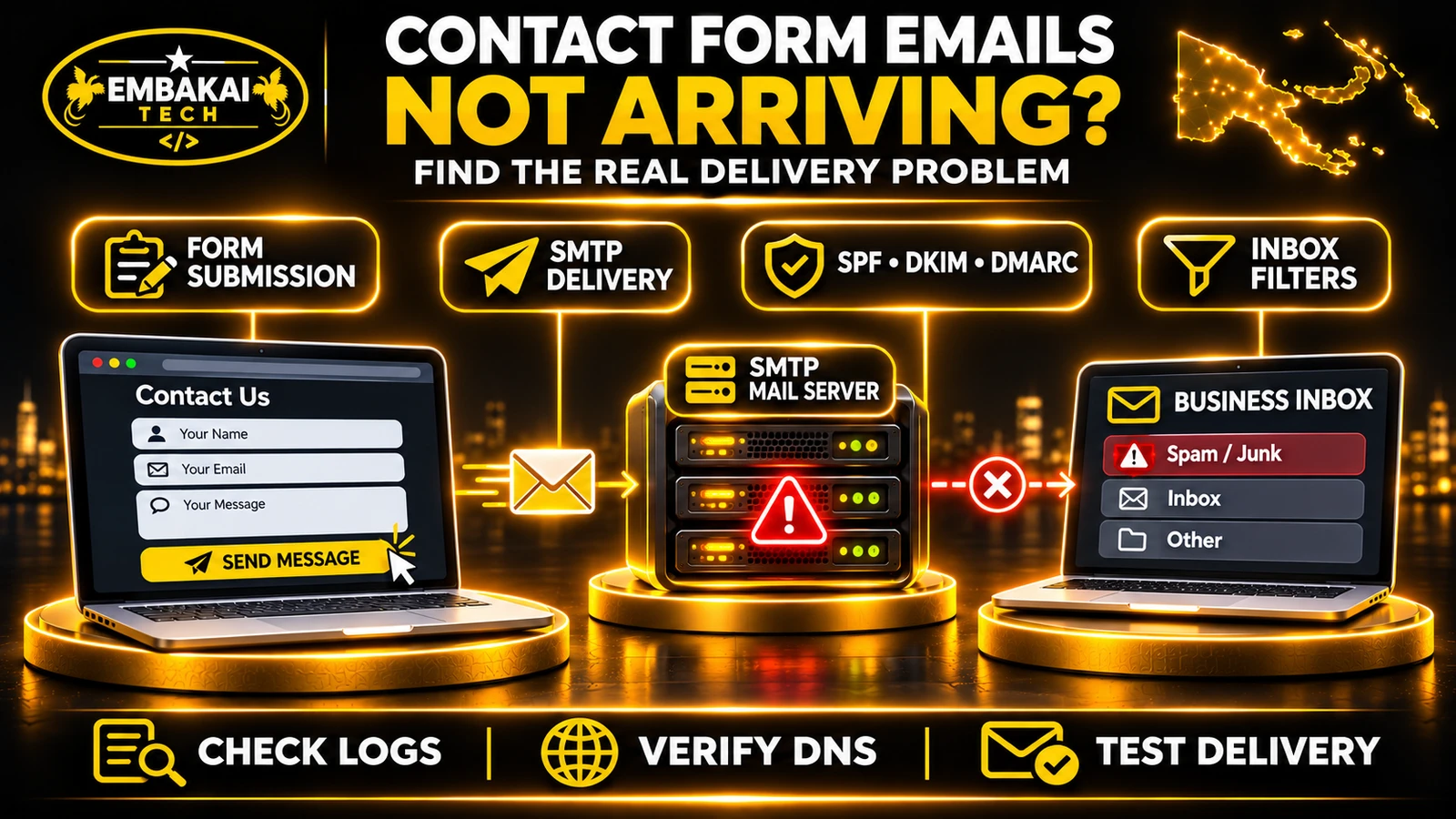
For related troubleshooting, read Why Your Website Contact Form Emails Are Not Arriving.
Email is only one part of how employees communicate.
A growing organisation may also need shared calendars, meeting invitations, collaborative documents and managed file storage.
This is an area where an appropriate Microsoft 365 subscription can provide more integrated functionality.
Consider a hypothetical engineering firm operating in Port Moresby and Lae.
Its employees need to:
A Microsoft 365 subscription containing the required applications can combine several of these functions under one business platform.
Employees can use supported Microsoft services rather than assembling unrelated tools for every task.
No.
A company using cPanel email can still use separate calendar, document-sharing and collaboration applications.
Some cPanel environments also support calendar and contact synchronisation where the provider enables those features.
The difference is that those capabilities are not necessarily included as one integrated productivity subscription.
If a business only needs basic email and employees do not use the additional Microsoft applications, a broad productivity subscription may be unnecessary.
The right decision should reflect actual staff workflows.
Price comparisons should account for how each service is licensed and managed.
Email hosting is often sold as an annual package with a defined number of mailboxes and storage allowances.
For example, Embakai Tech Solutions lists several Business Email Setup packages for PNG businesses.
The packages differ in mailbox capacity, storage and included services.
Businesses should check the current quotation and confirm which email infrastructure the package uses.
Microsoft 365 business plans are generally licensed according to users and selected services.
Costs can depend on:
A business should not compare a ten-mailbox hosting package directly with ten Microsoft 365 user licences without considering their different feature sets.
A practical annual comparison should include:
| Cost consideration | What to examine |
|---|---|
| Subscription or hosting fee | Total annual amount |
| Number of users | Actual licensed staff versus mailbox count |
| Mailbox storage | Allocations and upgrade requirements |
| Migration | One-time data transfer and configuration |
| Administration | Staff or external support |
| Backups | What is included and what is separate |
| Productivity software | Included applications versus separate subscriptions |
| Training | Staff onboarding and support |
| Future growth | Cost of additional users or storage |
For PNG businesses paying international suppliers, currency conversion and payment arrangements can also affect the final cost.
Traditional hosting-based email may have a lower entry cost for basic mailbox requirements, particularly where multiple mailboxes are included in one package.
Microsoft 365 may provide better overall value for organisations already needing Exchange Online, Outlook, Microsoft productivity applications and collaboration services.
Cheaper email hosting is not automatically better value, and a more expensive subscription is not automatically necessary.
Internet performance matters when employees use cloud services.
However, both cPanel-hosted email and Microsoft 365 involve network connectivity when sending, receiving or synchronising messages.
Employees can access mail through webmail or compatible desktop and mobile clients.
Some clients can keep locally cached messages available when the device is offline.
The exact behaviour depends on the application and configuration.
Supported Outlook configurations can provide local caching and offline access to previously synchronised content.
However, new mail delivery, synchronisation and many collaboration functions still require connectivity.
Before choosing a service, ask:
A suitable deployment should include mobile setup and user training, not just creation of the email addresses.
Yes. This is a common and practical architecture.
A business can host its corporate website using cPanel while Microsoft 365 handles company email.
For example:
company.com.pg
       |
       v
Authoritative DNS
       |
       +--> Website A/AAAA/CNAME
       |          |
       |          v
       |     cPanel Web Hosting
       |
       +--> Microsoft 365 MX
       |          |
       |          v
       |     Exchange Online
       |
       +--> SPF, DKIM, DMARC
                  |
                  v
          Email Authentication
The website and email services do not need to run on the same server.
Separating website and email hosting can make it easier to change the website server without moving the mailboxes.
For example, a company may upgrade its Laravel application from shared cPanel hosting to a VPS while leaving its Microsoft 365 email accounts unchanged.
That reduces unnecessary migration work.
If the website remains on cPanel but the domain's mail is handled by Microsoft 365, the cPanel server must use the appropriate email-routing configuration.
For a domain whose mail is externally hosted, this is generally Remote Mail Exchanger.
Otherwise, the web server may incorrectly treat messages addressed to the company's domain as locally delivered.
The correct setting must be verified against the actual mail infrastructure.
Do not change routing blindly.
A mailbox migration should be planned separately from ordinary website development.
The goal is to preserve the company's email addresses and relevant message history while transferring service to the new platform.
List every address.
For example:
Record the mailbox size, important folders, account owner, aliases, forwarders and any shared access arrangements.
Also identify calendars, contacts, local archives and email applications that staff use.
Choose subscriptions appropriate to the organisation's needs.
Do not automatically assign the most expensive plan to every employee.
Confirm user and mailbox requirements, including shared mailbox arrangements.
Set up the organisation's Microsoft 365 environment.
Verify domain ownership through the supported Microsoft process.
Create the necessary users and mailboxes before changing incoming mail routing.
Configure suitable account security and administrator access.
Microsoft supports migration from IMAP-compatible mail systems to Exchange Online.
However, IMAP migration transfers email messages and folders, not calendars, contacts or tasks.
Those items require appropriate separate migration or import arrangements.
Also review the supported IMAP migration limits before committing to a method.
Run the selected migration process and review the results.
Verify that representative mailboxes contain the expected folders and messages.
Pay particular attention to large mailboxes and important business correspondence.
Once the destination is ready, configure the Microsoft-provided DNS records.
These commonly involve:
Use the exact values supplied for your Microsoft 365 tenant.
The generic example values found online should not replace actual tenant-specific configuration.
Send controlled test messages between:
Verify actual delivery, not just DNS record visibility.
Set up supported Outlook or other required client applications.
Confirm each employee can access the correct mailbox and calendar.
Provide suitable instructions for account recovery and daily use.
If the website remains on the previous cPanel hosting account, verify that the server does not incorrectly attempt local delivery for the externally hosted domain.
Do not immediately delete the original mailboxes.
Keep a suitable recovery window until the migration is verified and any required mail data has been accounted for.
Confirm backup and retention responsibilities before decommissioning the old service.
An MX record tells external mail systems where to deliver incoming email.
It does not physically move old messages into the new provider.
Suppose a business has ten cPanel mailboxes containing several years of messages.
The administrator updates the MX record to Microsoft 365 before creating the corresponding new mailboxes.
Incoming messages may now reach Microsoft 365, where intended recipients have not yet been provisioned.
That can cause delivery failures.
Even when the new mailboxes exist, previously stored messages do not automatically appear in Microsoft 365 simply because the MX record changed.
Create and prepare the new mailboxes, migrate the required data, validate the setup, and only then execute the planned mail-routing cutover.
This is one of the most important safeguards during email migration.
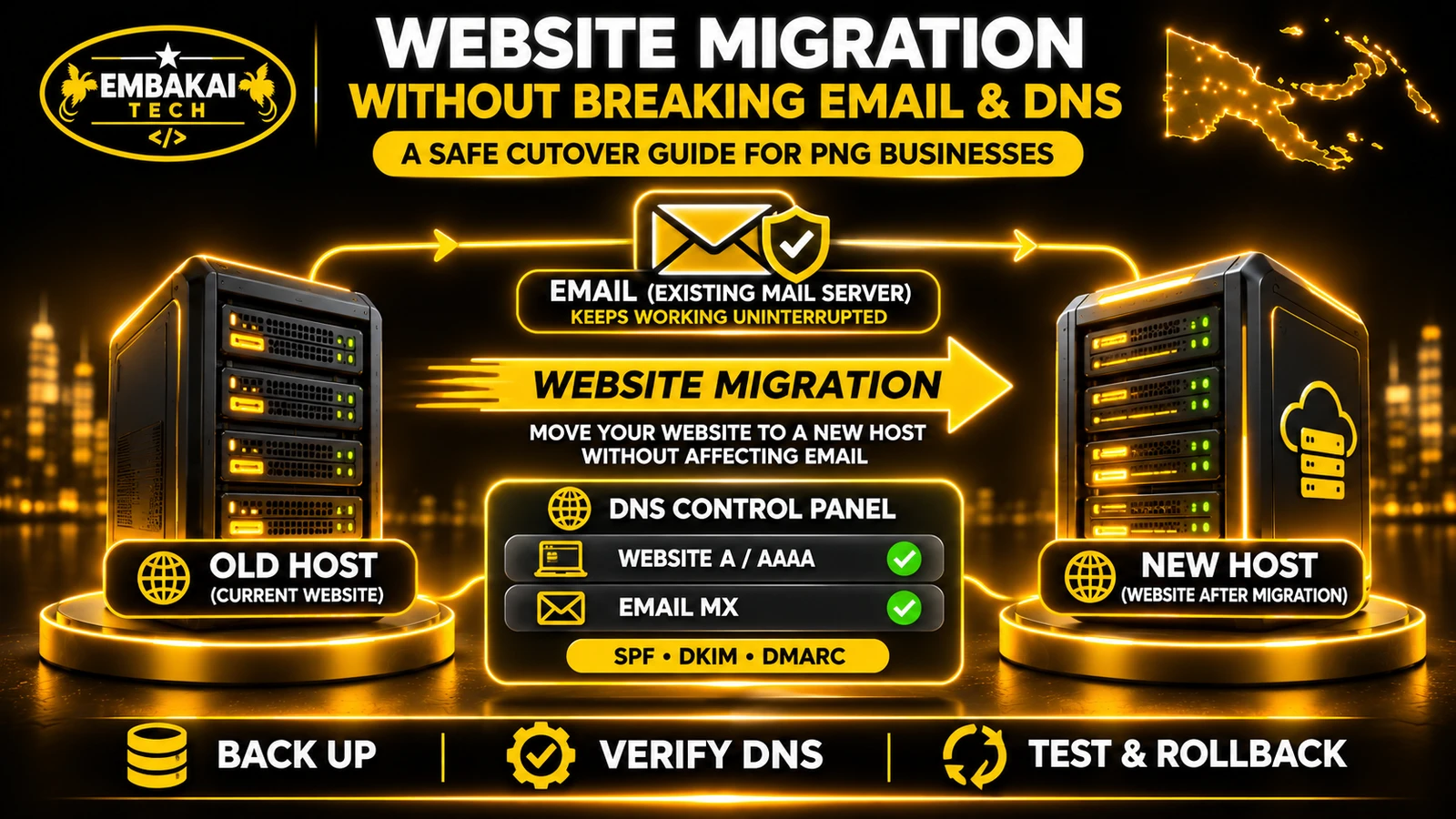
For a wider explanation of DNS and hosting changes, read How to Migrate a Business Website Without Breaking Email or DNS.
A business can successfully migrate staff email and still discover that its website contact form no longer sends notifications.
This happens because website applications may have their own email-sending configuration.
For example, WordPress or Laravel may use:
After migrating the company's mailboxes, these application settings must be reviewed.
Verify:
Do not assume that Microsoft 365 should automatically become the application's SMTP relay.
Exchange Online has specific sending methods, authentication policies and service limits.
Choose a supported configuration appropriate to the application's needs.
For high-volume transactional messages, a dedicated email delivery service may be more suitable.
The company has five employees.
It mainly needs professional addresses for quotations, administration and supplier communication.
Staff already use familiar mobile email applications and do not require sophisticated collaboration tools.
Potential fit: A reliable cPanel-based business email package may be sufficient.
The company should still verify mailbox quotas, spam protection, account security and support.
The organisation has several lawyers, administration staff and accounts employees.
It needs shared calendars, controlled mailbox access, individual staff identities and coordinated document workflows.
Potential fit: Microsoft 365 may offer a more appropriate integrated environment, depending on the selected licences and security requirements.
The firm should evaluate confidentiality, retention and access policies separately.
The organisation has employees in Port Moresby, Madang, East New Britain and remote locations.
Staff need email, shared files, calendars and coordinated reporting.
Some employees rely heavily on mobile connections.
Potential fit: Microsoft 365 may be attractive if the organisation will use the included collaboration tools.
However, the NGO should evaluate licensing costs, offline workflows, staff training and internet requirements.
These are hypothetical examples illustrating different business needs, not claims about specific customer deployments.
Use this checklist when comparing quotations.
Ask the provider to answer these questions in writing.
An email package should be evaluated as an ongoing business service, not only an initial mailbox setup.
Microsoft 365 offers a more integrated cloud email and productivity platform. cPanel email may be sufficient and more economical for businesses with simple mailbox requirements. The right choice depends on features, cost and administration needs.
Yes, compatible Outlook clients can use supported IMAP and SMTP connections. However, this does not provide the same native Exchange Online capabilities as a Microsoft 365 mailbox.
Yes, provided you control the domain and complete the required setup. The address can remain the same while the mailbox hosting changes.
Not inherently. Website hosting and email hosting are separate services. Correctly planned DNS changes can move email while preserving the existing website configuration.
A standard Microsoft 365 business email subscription does not automatically provide traditional cPanel-style website hosting for a PHP, Laravel or WordPress site.
No. Professional email simply requires an appropriate custom-domain email service. Microsoft 365 is one option among several.
Microsoft 365 offers substantial identity and email security capabilities, with availability depending on licensing and configuration. A properly operated cPanel email service can also be suitable. Compare the specific protections and administration requirements.
Many IMAP-compatible mailboxes can be migrated using supported Microsoft processes. Limits and exclusions apply. Contacts, calendars and tasks are not migrated through a standard IMAP mailbox migration and need separate handling.
No. Sender authentication, reputation, message characteristics and recipient filtering still affect deliverability.
A suitable lower-cost domain email package may be a practical starting point if the business only needs basic communication. Microsoft 365 becomes more attractive when the team needs its broader productivity and collaboration capabilities.
For businesses in Papua New Guinea, the decision between Microsoft 365 and cPanel email hosting should come down to how employees communicate and what the organisation needs to manage.
Choose cPanel-based email hosting when your main requirement is professional domain email, straightforward mailbox management and an affordable hosting arrangement with appropriate support.
Consider Microsoft 365 when your organisation needs integrated Exchange email, shared calendars, managed staff identities, collaboration services and productivity applications included in the chosen plan.
Neither option removes the need for correct DNS configuration, account management, email authentication, backups and technical support.
A company can also retain its website on cPanel and use Microsoft 365 exclusively for email.
The best setup is not the one with the longest feature list.
It is the one your employees can use reliably, your business can maintain, and your organisation can afford over time.
Embakai Tech Solutions provides business email setup, domain configuration, website hosting and technical support for organisations across Papua New Guinea.
If you need professional company email addresses, multiple employee mailboxes, DNS configuration or assistance planning a migration to a suitable email platform, start by reviewing your business requirements.
Explore our Business Email Setup packages or read Business Email vs Gmail: Which One Should Your Business Use?.
Contact Embakai Tech Solutions to discuss your requirements and request a quotation.
Contact Embakai Tech Solutions for a focused review, implementation plan or quote for your organisation in Papua New Guinea.