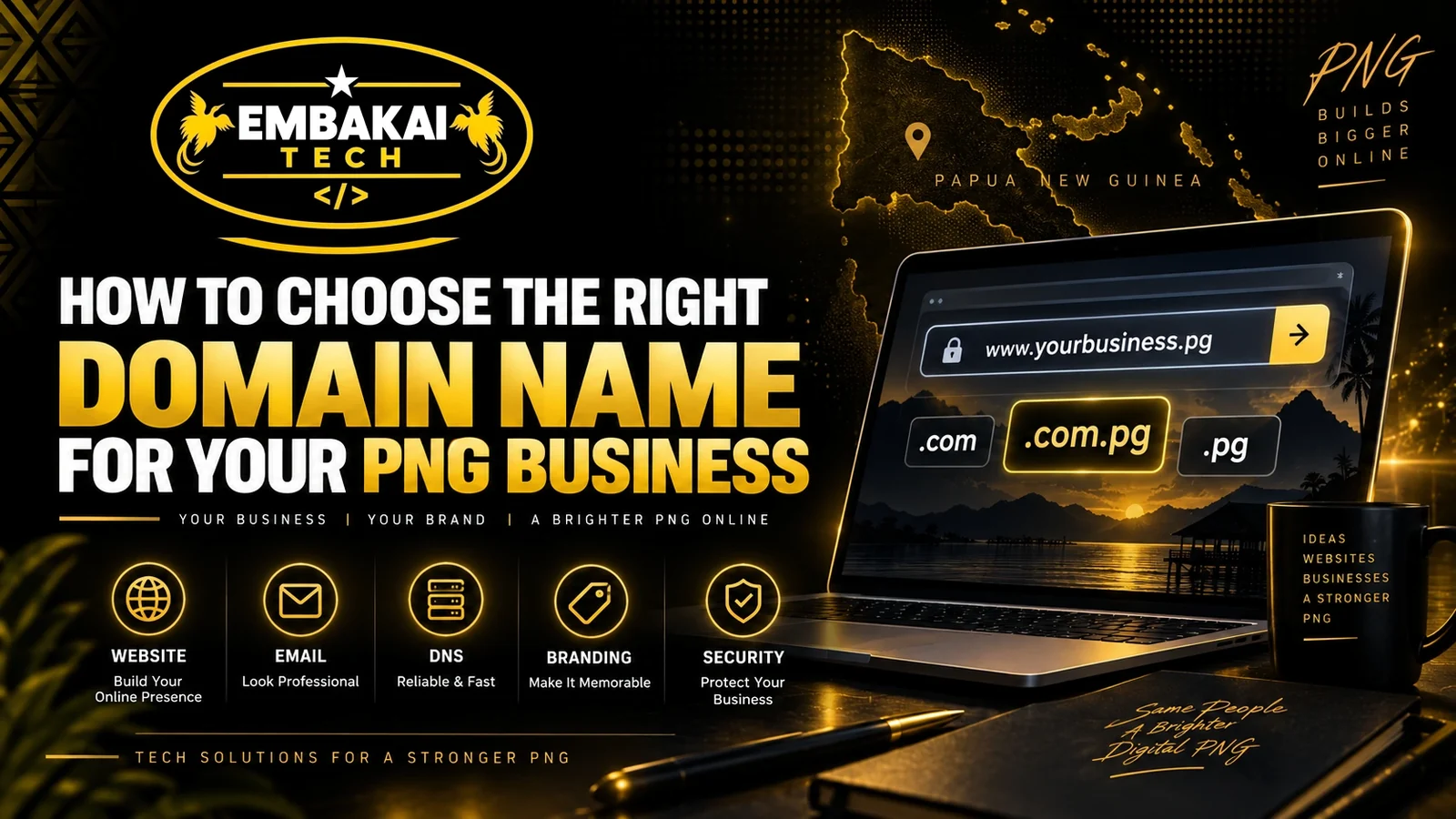
Choosing a domain name may seem like a small part of building a website, but it can affect your business for many years.
Your domain is the address customers use to find you online.
For example:
yourbusiness.com
yourbusiness.com.pg
or, where available and appropriate:
yourbusiness.pg
It may also become the foundation for professional business email addresses such as:
Once customers start seeing your domain on quotations, invoices, business cards, social media profiles, vehicles, advertisements, email signatures, and Google Search, changing it later can become difficult.
That is why PNG businesses should think carefully before registering one.
A good domain name should be:
This guide explains how businesses in Papua New Guinea can choose a domain name that works for branding, websites, business email, Google visibility, and long-term growth.
In most cases, your business name should be your first choice.
If your registered or trading name is:
Example Engineering Limited
you might consider:
exampleengineering.com.pg
or:
exampleengineering.com
A domain that matches your business name makes it easier for customers to connect the website with the company.
This is particularly important when people discover you through:
If your business name and domain are completely different, customers may become confused.
Consistency helps.
Ideally, your business name, website domain, email domain, and major social media usernames should all be closely aligned.
Shorter domain names are generally easier to remember and type.
For example:
examplepng.com
is easier to communicate than something like:
exampleprofessionalbusinesssolutionspng.com
A long domain is not automatically bad, but unnecessary words create problems.
Long domains are:
Imagine having to tell someone this over the phone:
It works technically, but it is not practical.
Try to keep the name as short as possible without making it unclear.
Your customer should be able to hear your domain name once and type it correctly.
Avoid unnecessary complexity.
If your business name contains unusual spelling, think about whether customers may repeatedly enter the wrong version.
For example, a domain that depends on:
can create confusion.
If a customer types the wrong domain, they may:
Your domain should reduce friction.
Domains can technically contain hyphens, but they should generally be avoided unless there is a strong reason to use one.
Compare:
pngtechsolutions.com
with:
png-tech-solutions.com
The first is usually easier to communicate.
When saying the second one aloud, you have to explain:
“PNG dash tech dash solutions dot com.”
Numbers can create similar problems.
For example:
best4business.com
A customer may not know whether you mean:
best4business.com
or:
bestfourbusiness.com
Keep things simple wherever possible.
The extension is the ending of the domain name.
Common examples include:
The best option depends on the business, audience, availability, and current registration requirements.
A .com domain is widely recognised internationally.
It may be suitable if:
Example:
yourbusiness.com
A .com.pg domain strongly connects the business with Papua New Guinea.
Example:
yourbusiness.com.pg
This can be useful for PNG businesses that want customers to immediately recognise their local presence.
Direct .pg domains can provide a shorter PNG-branded address where registration is available and appropriate.
For example:
yourbusiness.pg
A short local domain can be attractive for branding, although businesses should confirm current registration conditions and availability with their domain provider.
An organisation, association, church, NGO, or similar entity may consider an organisation-oriented domain where appropriate.
The key is to choose an extension that matches the identity and purpose of the organisation.
There is no single answer for every company.
A PNG-focused business may prefer:
yourbusiness.com.pg
because it clearly identifies the company with Papua New Guinea.
A company targeting broader international markets may prefer:
yourbusiness.com
Some businesses register both.
For example:
yourbusiness.com
and
yourbusiness.com.pg
One can be the main domain and the other can redirect to it.
This can help protect the brand and reduce the chance of someone else registering an important variation.
However, registering additional domains also creates additional renewal responsibilities.
Only register domains you intend to manage properly.
Your domain is not only for your website.
It may also become your email identity.
Before registering a domain, imagine how it will look in email addresses.
For example:
Does it look professional?
Is it too long?
Can someone type it easily?
A domain that looks acceptable as a website address may become awkward once it is used for email.
Think about both from the beginning.
Some businesses try to put as many search terms as possible into the domain.
For example:
bestcheapwebsitedesignportmoresbypng.com
This may contain keywords, but it creates a weak brand.
A business should generally prioritise:
over stuffing keywords into the domain.
Your website can target SEO keywords through:
You do not need every keyword inside the domain itself.
For long-term business value, a strong brand name is usually more useful.
Think beyond what your business does today.
Suppose you start by selling tyres and register:
onlytrucktyrespng.com
Later you expand into:
Your domain may suddenly feel too narrow.
A broader company domain may have worked better.
Try to choose something that represents the business without unnecessarily restricting future growth.
This is particularly important for PNG SMEs that may add new services over time.
Before registering a domain, search for businesses using similar names.
Suppose you want:
pngdigital.com
but another established company already uses:
pngdigital.com.pg
Customers may confuse the two organisations.
Potential problems include:
Do some research before committing to the name.
Your domain should help distinguish your business.
Your domain should also make sense alongside your:
If possible, keep them consistent.
For example:
Business: Example Technologies Ltd
Website: exampletechnologies.com.pg
Email: [email protected]
Facebook: Example Technologies
Google: Example Technologies Ltd
This creates a clean digital identity.
This is extremely important.
A domain is a business asset.
Your business should know:
Problems can happen when a domain is registered entirely under:
A professional provider may manage the technical side for you, but ownership and administrative arrangements should be clear.
Do not wait until there is a dispute or renewal problem to find out who controls your domain.
A domain should be treated like an essential part of the company.
If your domain expires, several services can be affected.
You may lose access to:
Imagine your business normally receives quotations at:
If the domain stops working, customers may no longer be able to reach that address.
In serious cases, an expired domain may eventually become available for registration by someone else.
Domain renewal should not be ignored.
Keep accurate contact information and renewal reminders.
If your brand is valuable, you may consider registering important variations.
Suppose your primary domain is:
example.com.pg
You might also consider:
example.com
or another relevant variation if it is available and strategically useful.
The additional domain can redirect visitors to your primary website.
This may help protect the brand.
However, there is no need to register dozens of random domains.
Focus on variations that customers could realistically use or confuse with your main address.
Before finalising the domain, check whether your preferred business name is also available on major platforms.
For example:
Website: example.com.pg
Facebook: @example
Instagram: @example
LinkedIn: Example
TikTok: @example
You may not be able to get an exact match everywhere, but keeping the naming consistent improves brand recognition.
This is especially useful when promoting your website through social media.
Try saying your domain name out loud.
Would someone understand it immediately?
For example:
“Visit us at example dot com dot pg.”
Simple.
Now compare that with a domain containing multiple hyphens, unusual abbreviations, numbers, or unclear spelling.
If you constantly have to explain your domain, it may not be the best choice.
This matters in PNG because domains are often shared verbally through:
Choose something people can remember after hearing once.
Some domain names immediately look less trustworthy.
Examples include names with:
A professional domain should look deliberate.
Compare:
exampleconsulting.com.pg
with:
best-cheap-top-consulting-2026-png.com
The first looks like a business.
The second can look promotional or suspicious.
Your domain contributes to the customer's first impression.
Once a domain is active, protect access to the account managing it.
Where supported, use:
DNS changes can affect your:
Someone who gains control of your domain account can potentially disrupt multiple business services.
Domain security should therefore be taken seriously.
The domain itself is only one part of the setup.
DNS connects the domain to different services.
DNS records may control:
Incorrect DNS settings can cause problems such as:
Businesses do not necessarily need to manage DNS themselves, but someone competent should.
Some businesses use Cloudflare to manage DNS and provide additional website security and performance features.
Depending on the setup, Cloudflare can provide capabilities such as:
The domain remains your business identity, while services such as Cloudflare can sit between visitors and your hosting infrastructure.
The correct setup depends on your website and hosting environment.
No.
You can register your domain before your website is ready.
In fact, registering it early can be a good idea if the name is important to your business.
You can secure the domain first and build the website later.
The same domain can eventually support:
Your domain becomes the central digital identity of the company.
Yes, but changing an established domain can create extra work.
You may need to update:
Customers may also continue using the old domain.
That is why it is worth choosing carefully from the beginning.
Before registering your domain, check the following:
If the answer to most of these is yes, you are probably on the right track.
Suppose a new company is called:
Highlands Engineering Solutions Ltd
Possible domains might include:
highlandsengineering.com.pg
or:
highlandsengineering.com
Both are clear and professional.
Something like:
hesl.com.pg
may be shorter, but new customers may not immediately understand what HESL means.
On the other hand, if the abbreviation becomes part of the company's established brand, it may work well.
There is no universal formula.
The best choice balances:
Brand + clarity + memorability + professionalism + future growth.
Do not immediately add random numbers.
Consider better alternatives.
For example:
Suppose:
example.com
is unavailable.
Possible alternatives may include:
example.com.pg
examplegroup.com
examplepng.com
or another variation that genuinely represents the business.
Avoid creating something complicated simply because the first choice is unavailable.
For many PNG businesses, a domain based directly on the company name is the strongest approach.
For example:
businessname.com.pg
or:
businessname.com
A local PNG domain can emphasise your connection to Papua New Guinea.
An international extension such as .com can be useful when your audience extends beyond PNG.
Some businesses may benefit from registering both.
The right decision depends on:
The important part is to make the decision strategically.
Embakai Tech Solutions helps PNG businesses establish professional domain, website, hosting, email, and DNS infrastructure.
We can assist with:
Instead of treating the domain, website, email, and hosting as completely separate systems, we can configure them to work together as one professional digital setup.
Customers may see it every time they:
Choose something that represents the business properly.
Keep it simple.
Keep it professional.
Make sure your business can control it.
And think beyond what you need today.
A good domain should still make sense as your business grows five or ten years from now.
For PNG businesses building a professional online presence, the right domain is not simply a technical requirement.
Starting a new business or planning a new website but unsure which domain name to register?
Embakai Tech Solutions can help you choose, register, configure, and secure the right domain for your business.
From your domain and DNS to website hosting, professional email, Cloudflare, SSL, and website development, we can build the complete digital foundation around your business.
Contact Embakai Tech Solutions for a focused review, implementation plan or quote for your organisation in Papua New Guinea.